 Coffee
Vim keys
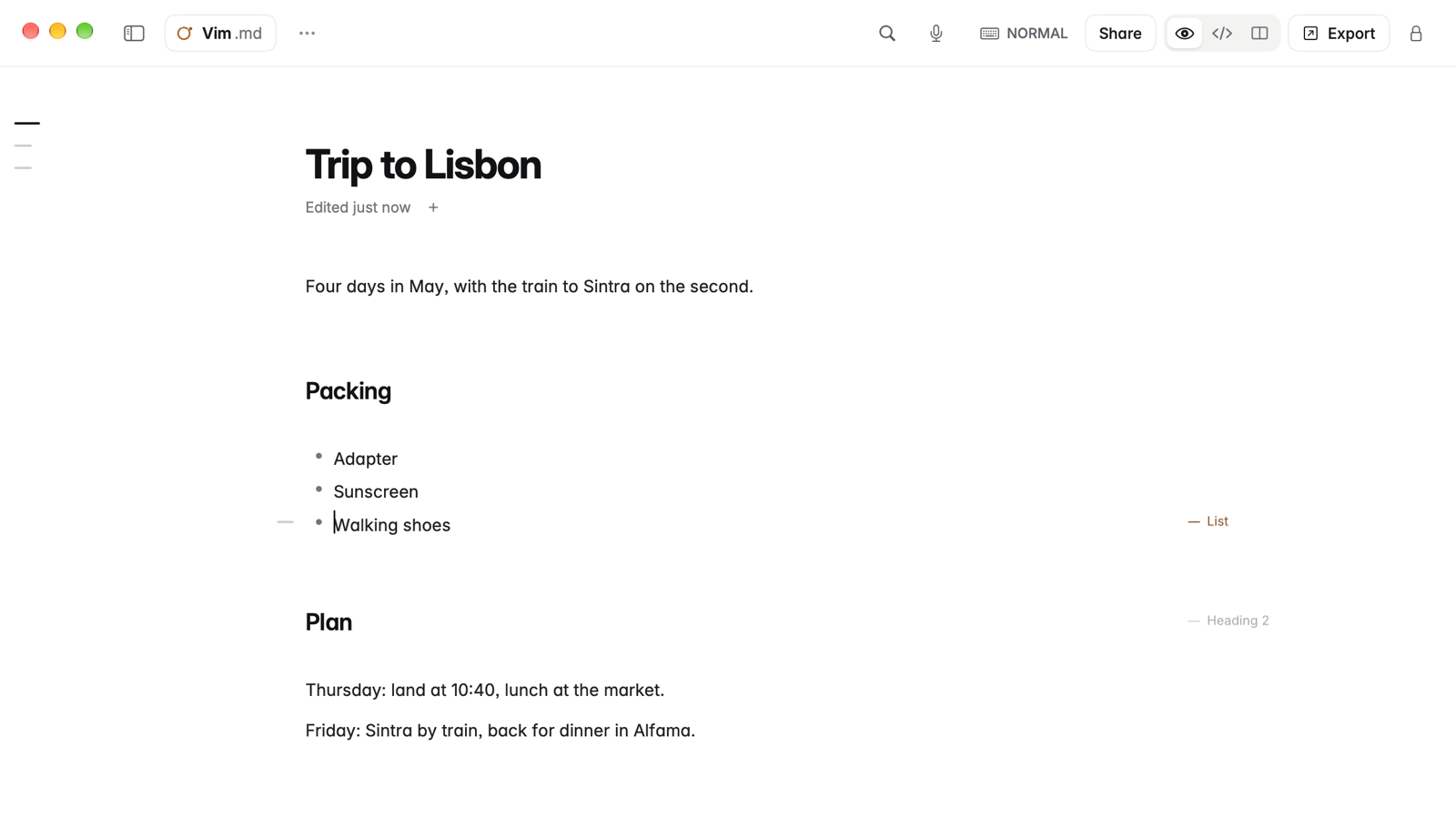
Moves and edits with Vim's keys: Normal, Insert and Visual modes, h j k l, w b e, 0 $, gg G, x, dd, yy, p, counts and more. The mode shows in the top bar; Escape goes back to Normal. Turn it off from the Plugins menu at any time.
Moves and edits with Vim's keys: Normal, Insert and Visual modes, h j k l, w b e, 0 $, gg G, x, dd, yy, p, counts and more. The mode shows in the top bar; Escape goes back to Normal. Turn it off from the Plugins menu at any time.
Editing
Marks the text in a note that was pasted, inserted from Ask or changed by another app, and shows how much of the note you wrote yourself.
Editing
Adds Sort Selected Lines to the Plugins menu: the lines you select, in order from A to Z, list marks and all. One step to undo.