 Coffee
Plugins
Buttons for the top bar, commands with their own shortcuts, sections in the sidebar and code blocks drawn as pictures. Each one is reviewed before it's listed, and installs from Coffee in Settings, Plugins, Browse Plugins.
-
Charts and drawings
Bar charts
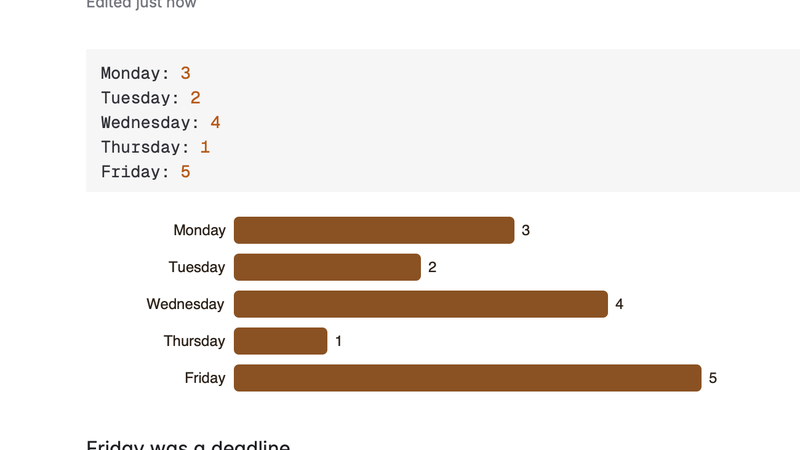
Draws a bars code block of label: number lines as a bar chart under it. The note keeps the plain lines.
Works on the note you have open.
-
Writing
Insert date
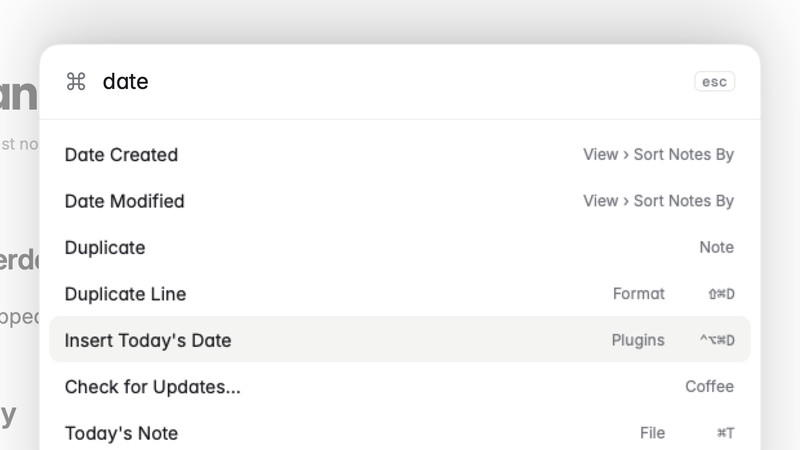
Adds Insert Today's Date to the Plugins menu and the command palette, with a shortcut and a choice of format.
Works on the note you have open.
-
Organising
Outline in the sidebar
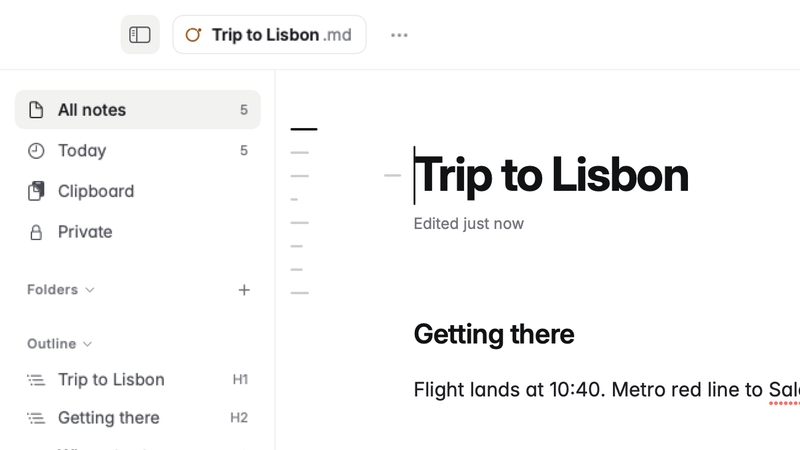
Lists the open note's headings in the sidebar, and marks a heading that skips a level.
Works on the note you have open.
-
Editing
Sort lines
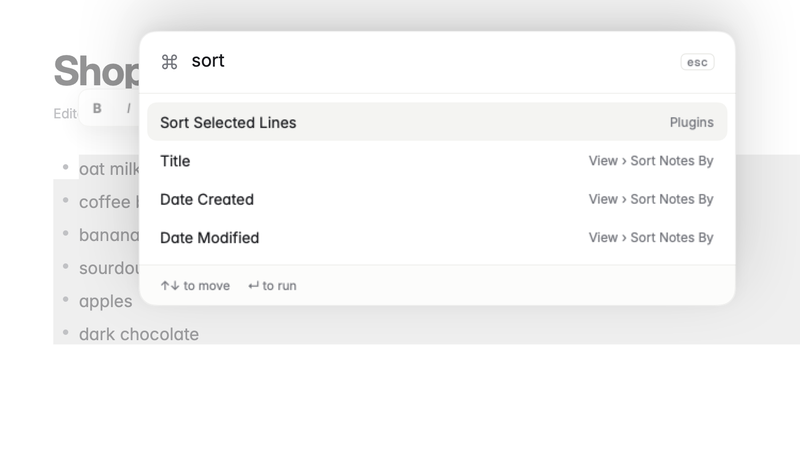
Adds Sort Selected Lines to the Plugins menu: the lines you select, in order from A to Z, list marks and all. One step to undo.
Works on the note you have open.
-
Writing
Word count
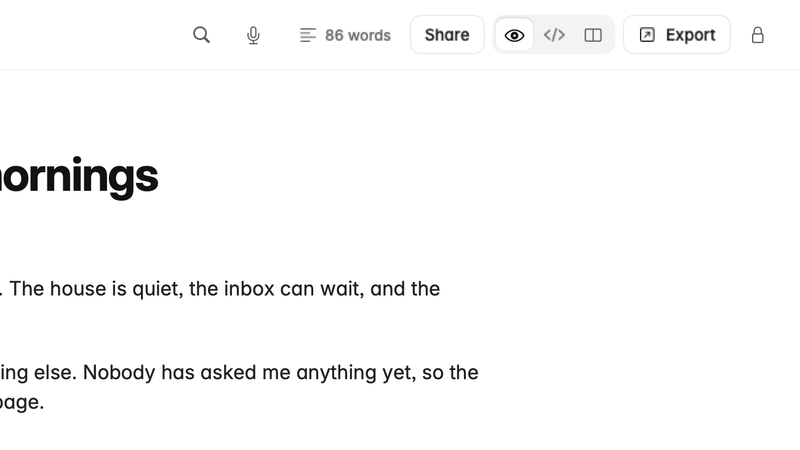
Shows the number of words in the open note in the top bar. Click it for the words in what's selected.
Works on the note you have open.
No plugin matches that yet.