 Coffee
Mermaid diagrams
MaciPhone and iPad
A code block named mermaid is drawn as a diagram under it, natively. Coffee draws flowcharts, pie charts, sequence diagrams, gantt charts, class diagrams, state diagrams, entity relationship diagrams and mind maps.
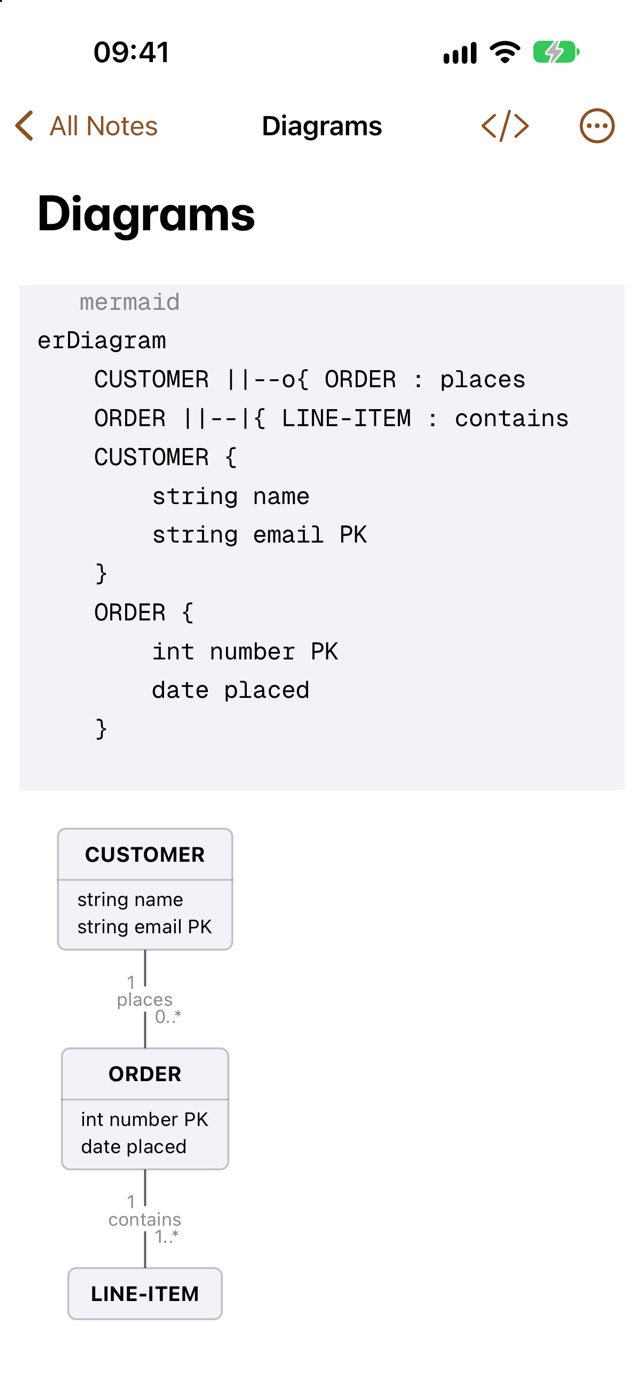
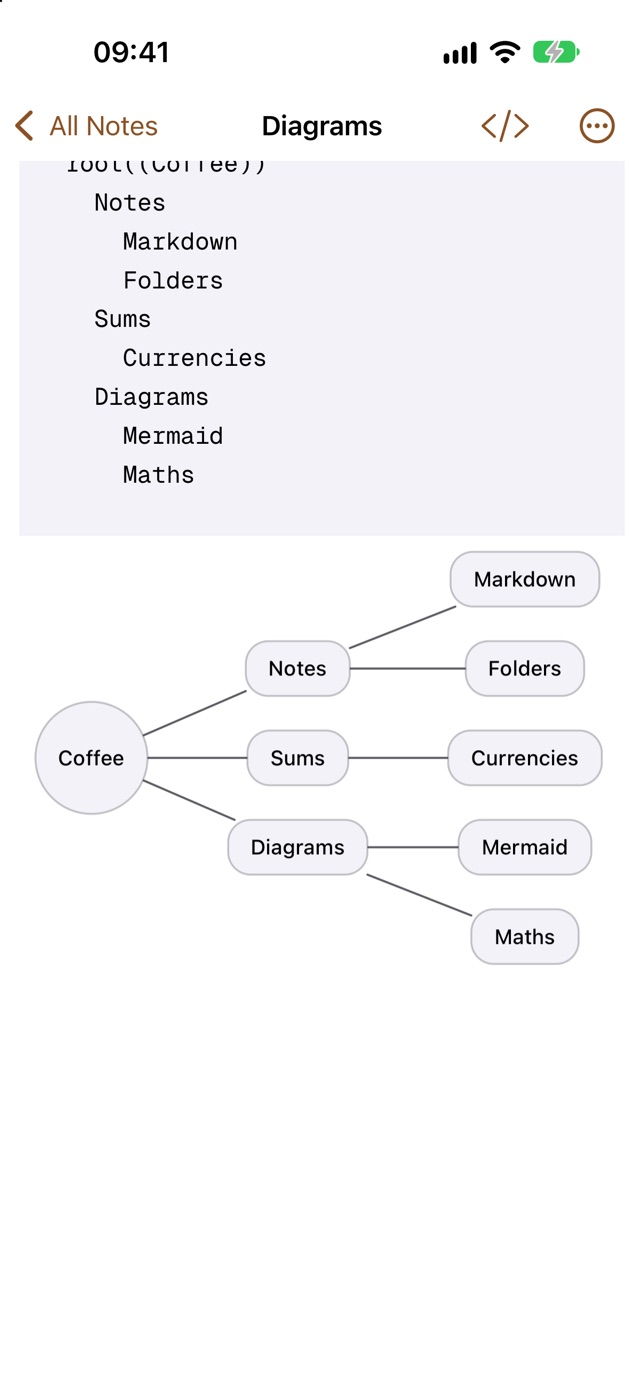
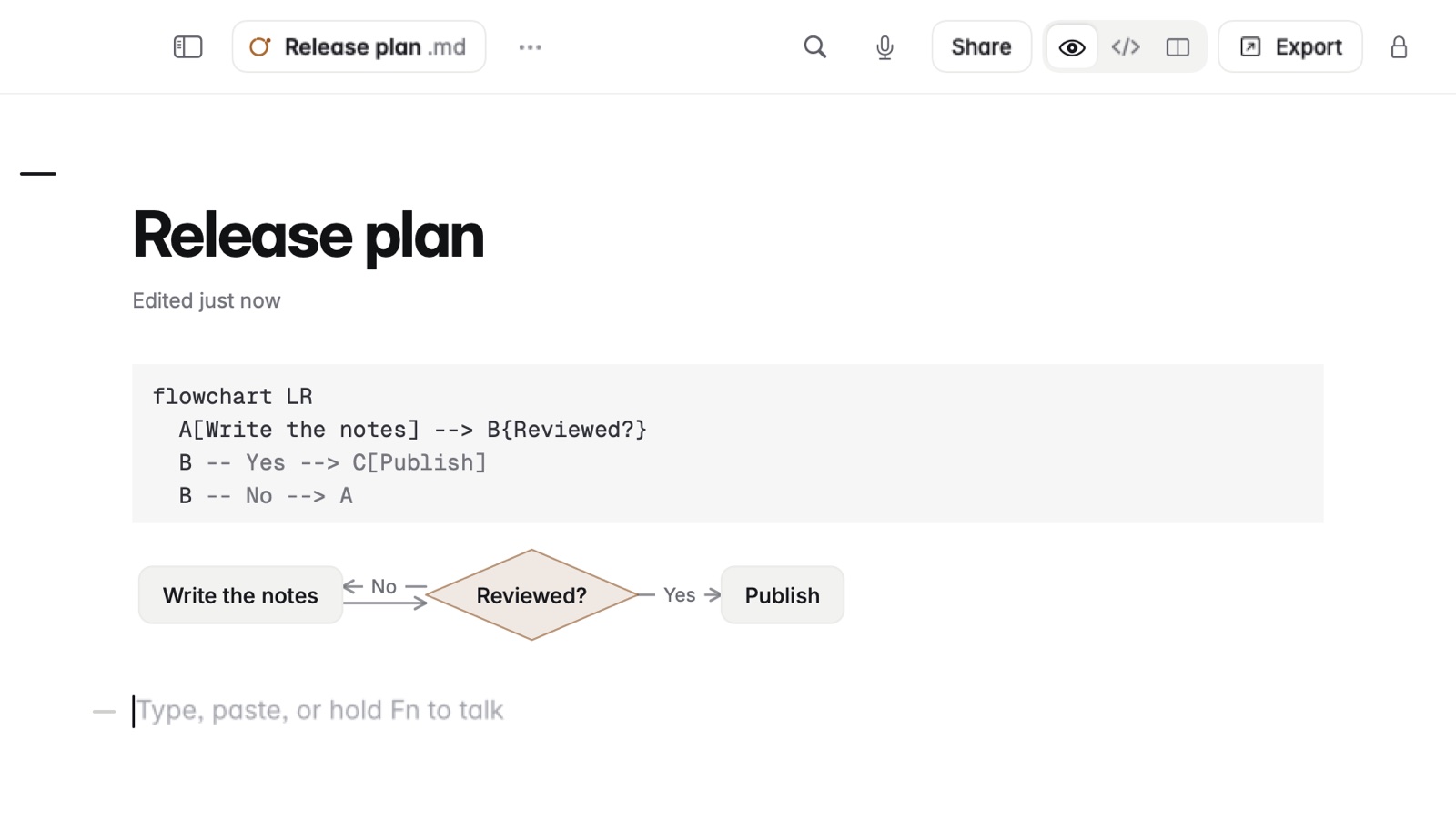
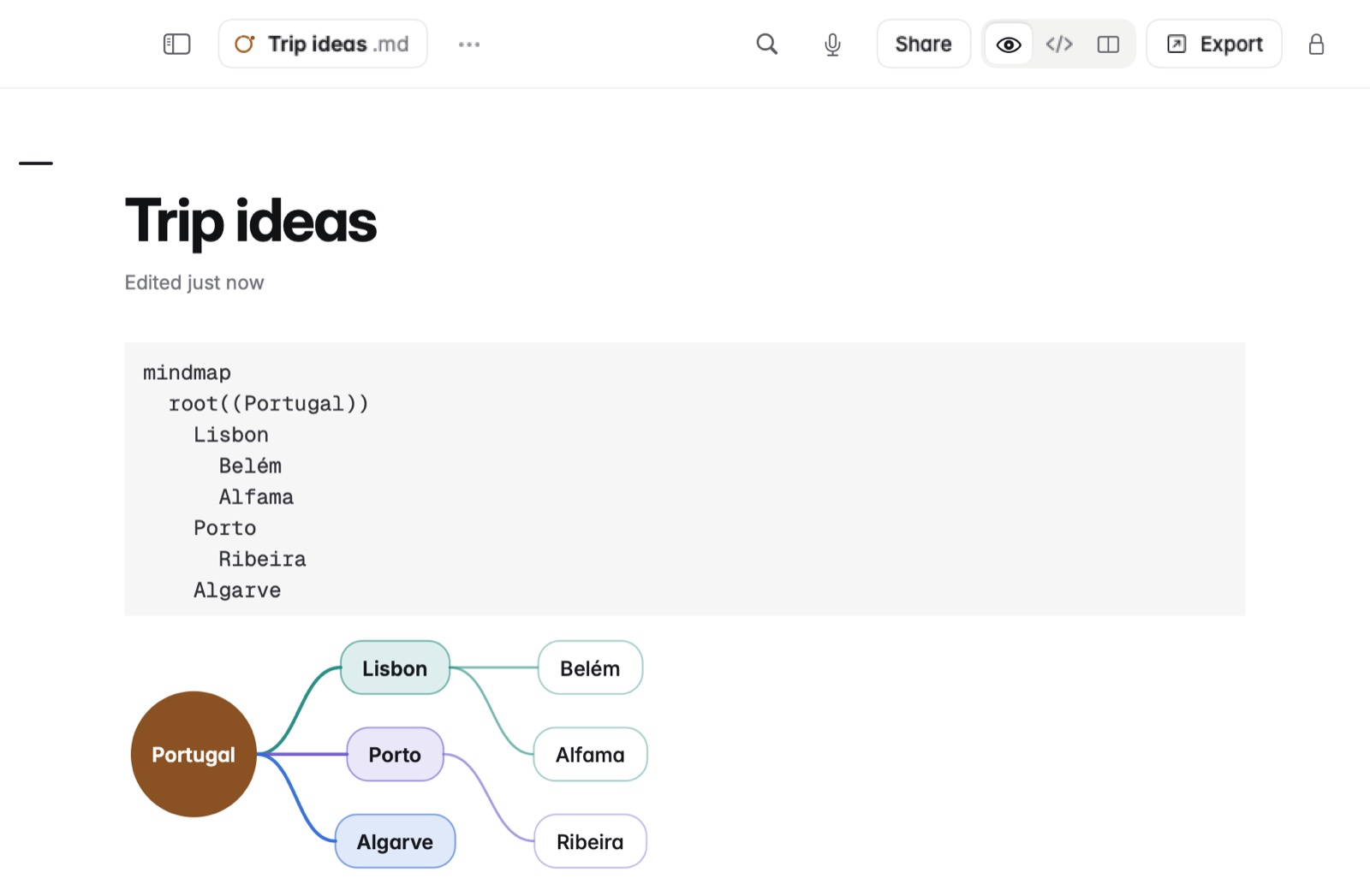
How to draw a diagram
- Type three backticks and mermaid, to open the block.
- Write the diagram in Mermaid's language on the lines below.
- End with a line of three backticks. The diagram appears under the block.
Example
In Markdown
```mermaid
flowchart LR
  Idea --> Draft --> Review --> Publish
```
Colours
Diagrams use your theme's colours. Settings › Look › Black and white diagrams draws them in ink instead.
Good to know
- Other Mermaid kinds stay as code.
- A diagram that can't be drawn shows a plain hint with the line number, so you can find the mistake.