 Coffee
I can't edit after the trial
MaciPhone and iPad
When the trial or a paid period ends, Coffee still opens, reads and exports every note, but editing stops until you choose a plan. If you've paid, sign in with the email you paid with, in Settings.
What to try, in order
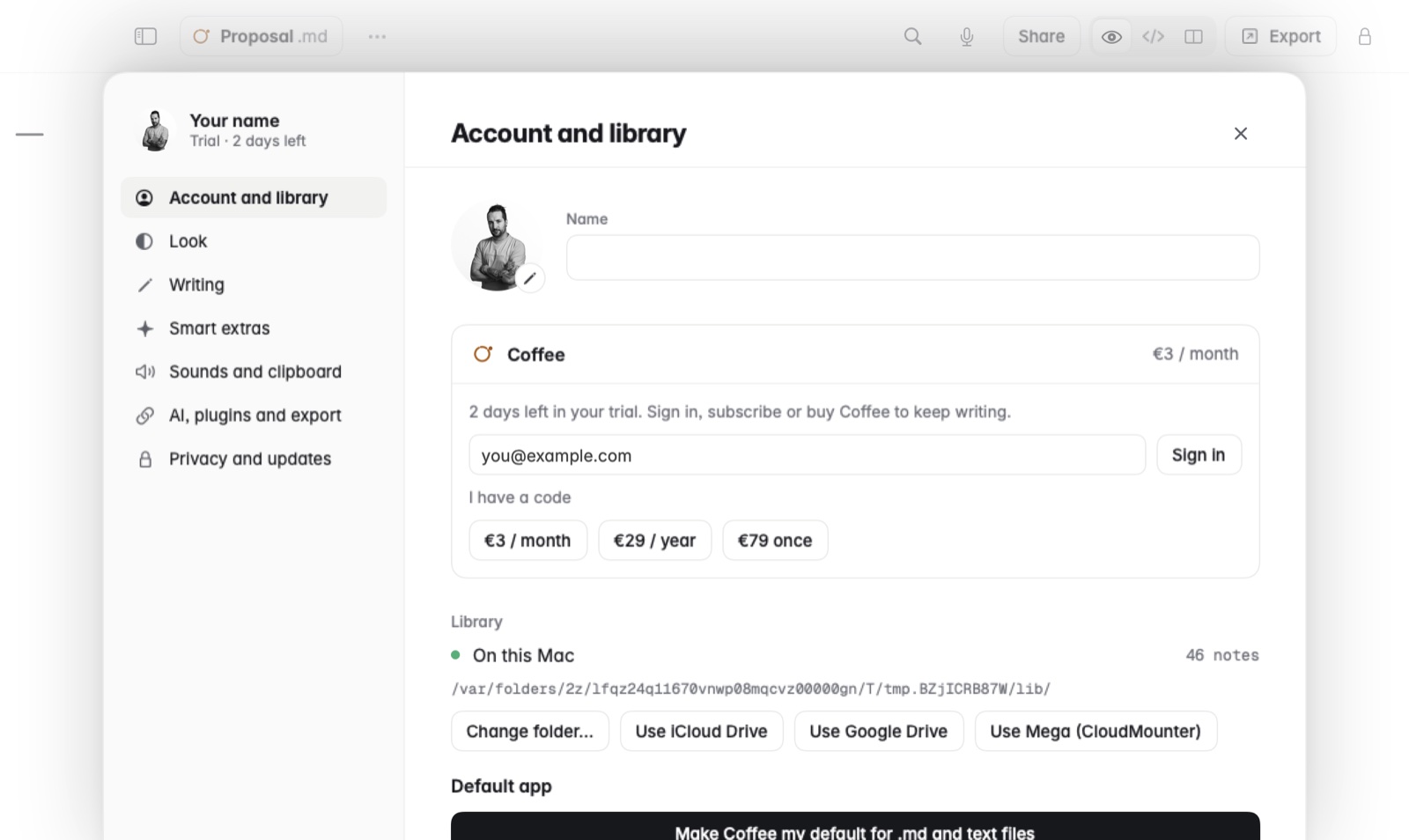
- Check that you're signed in. On the Mac, open Settings › Account and library. If it asks for an email, you're not signed in.
- Sign in with the email you paid with. Type it, click Sign in, then open the link in the email on this Mac, or enter its code.
- Signed in with another address? Sign out, or click Use a different email, and sign in with the one you paid with. See signing out or changing email.
- On a company pack? Ask whoever runs the pack to add your email on the team page, then sign in with that address.
- Not paid yet? Choose a plan in Settings. See plans and prices.
- Still stuck? Write to ola@pedrothomaz.pt with the email you paid with.
Good to know
- Your notes are ordinary
.mdfiles, so nothing is lost while editing is off. - Coffee checks a subscription when it can, and keeps working for weeks without a connection.