 Coffee
My notes don't show on my iPhone
MaciPhone and iPad
Coffee on iPhone and iPad reads Coffee's own folder in iCloud Drive. If your notes aren't there, the Mac may keep them in another folder, or iCloud Drive may be off on one of the devices.
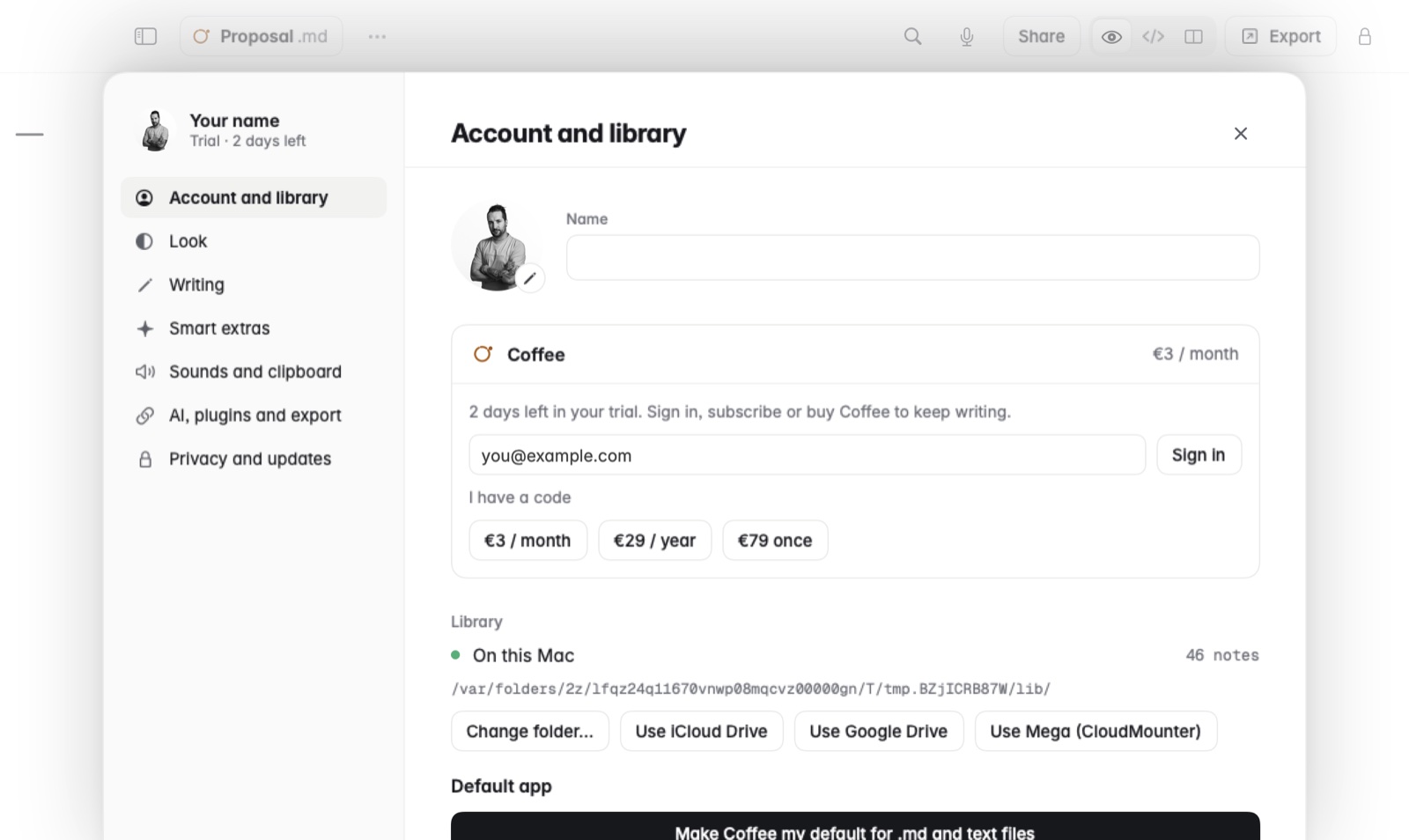
What to try, in order
- Move your notes into iCloud Drive on the Mac. Open Settings and choose Use iCloud Drive. Coffee moves your notes into its own folder there, shown with Coffee's icon.
- Check the Apple Account. Both devices must be signed in to the same Apple Account.
- Check that iCloud Drive is on. On the iPhone or iPad, it's in the Settings app, under your name, iCloud. Do the same check on the Mac.
- Choose iCloud Drive on the iPhone too. In Coffee's Settings, under Notes, tap Use iCloud Drive if it's offered.
- Give it time. A large library can take a while the first time, while iCloud brings every note to the device.
- Still missing? Write to ola@pedrothomaz.pt and say how many notes you have and where they are on the Mac.
Good to know
- Notes in Google Drive, Dropbox or OneDrive open on the Mac only. See notes in other cloud drives.
- For the full setup, see using Coffee on Mac and iPhone together.