 Coffee
Making Coffee open your .md files
Mac
Coffee can be the app Finder uses for Markdown and text files, so double-clicking one opens it in Coffee.
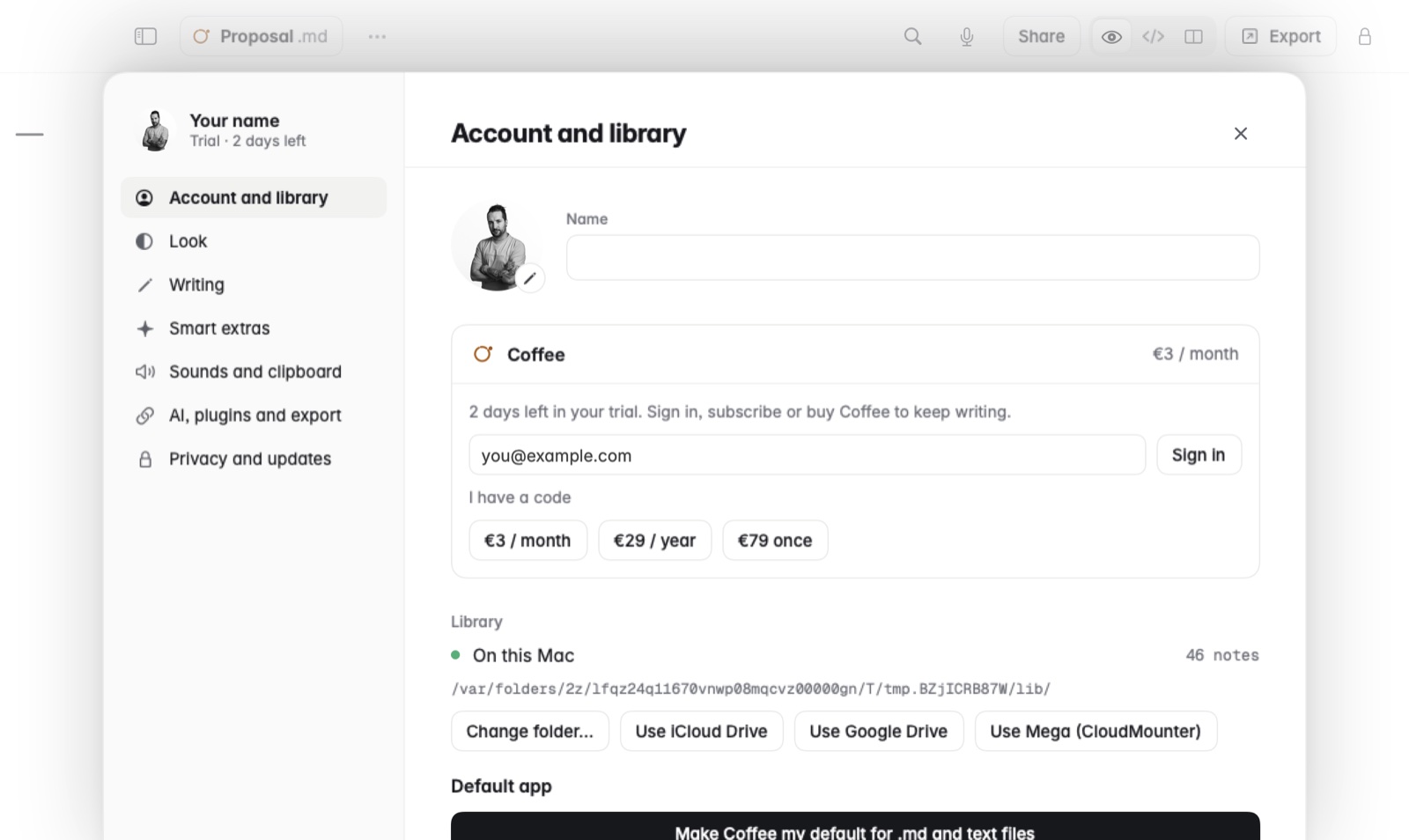
How to make Coffee the default
- Open Settings and find Default app, under Account and library.
- Choose Make default beside Markdown files (.md), text files (.txt), or both. The button at the top makes Coffee the default for both at once.
- Double-click a .md file in Finder. It opens in Coffee.
Good to know
- A file opened from Finder gets its own window. Moving between notes stays in the same window.
- Once Coffee opens both kinds, Settings says so instead of showing the buttons.