 Coffee
The coffee command in Terminal
Mac
The coffee command lets you make notes, add to your Inbox, open notes and files, search, and work out sums, all from Terminal.
Set it up once
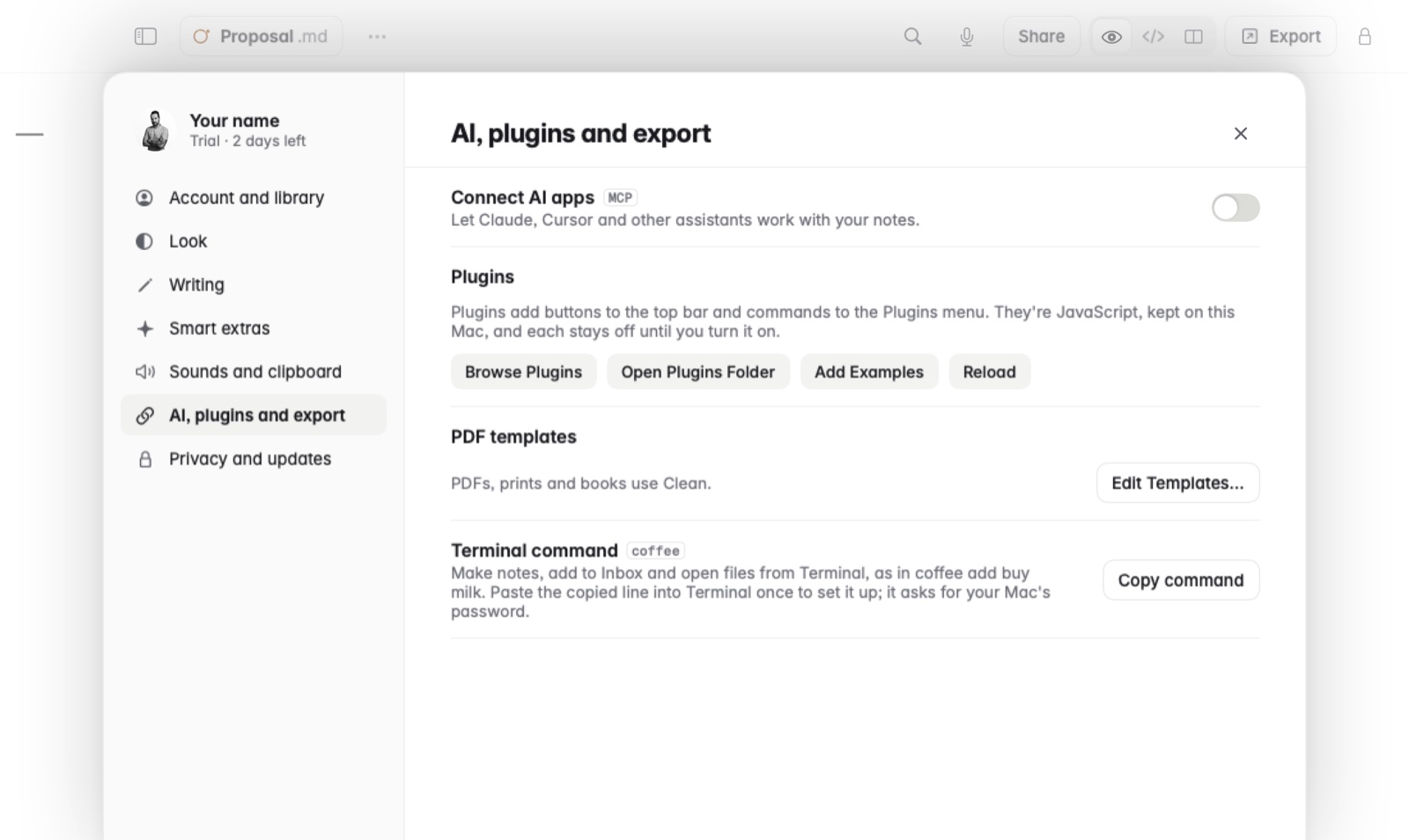
- Open Settings and go to AI, plugins and export.
- Next to Terminal command, click Copy command.
- Paste the copied line into Terminal and press Return. It asks for your Mac's password.
What it can do
coffeeopens Coffee, andcoffee file.mdopens a file in it.coffee newmakes a note, with an optional title and text.coffee addadds a line toInbox.md.coffee todayopens today's note.coffee weekandcoffee monthopen this week's and this month's.coffee openopens the note with a title, or searches for it.coffee searchsearches your notes in Coffee.coffee listprints every note's path, andcoffee pathprints the notes folder.coffee calcprints the answer to a sum, as a note would show it.coffee helpshows all of these.
Example
coffee add buy milk
coffee new "Meeting notes" "Agenda for Monday"
coffee open "Shopping list"
coffee calc "20% of 50"
Good to know
coffee new, coffee add and coffee calc can also take their text on stdin, so you can pipe something in, as in echo "call Ana" | coffee add.