 Coffee
Making an e-book
Mac
Coffee makes an EPUB from one note, or a whole book from a folder or a tag's notes, with one chapter per note.
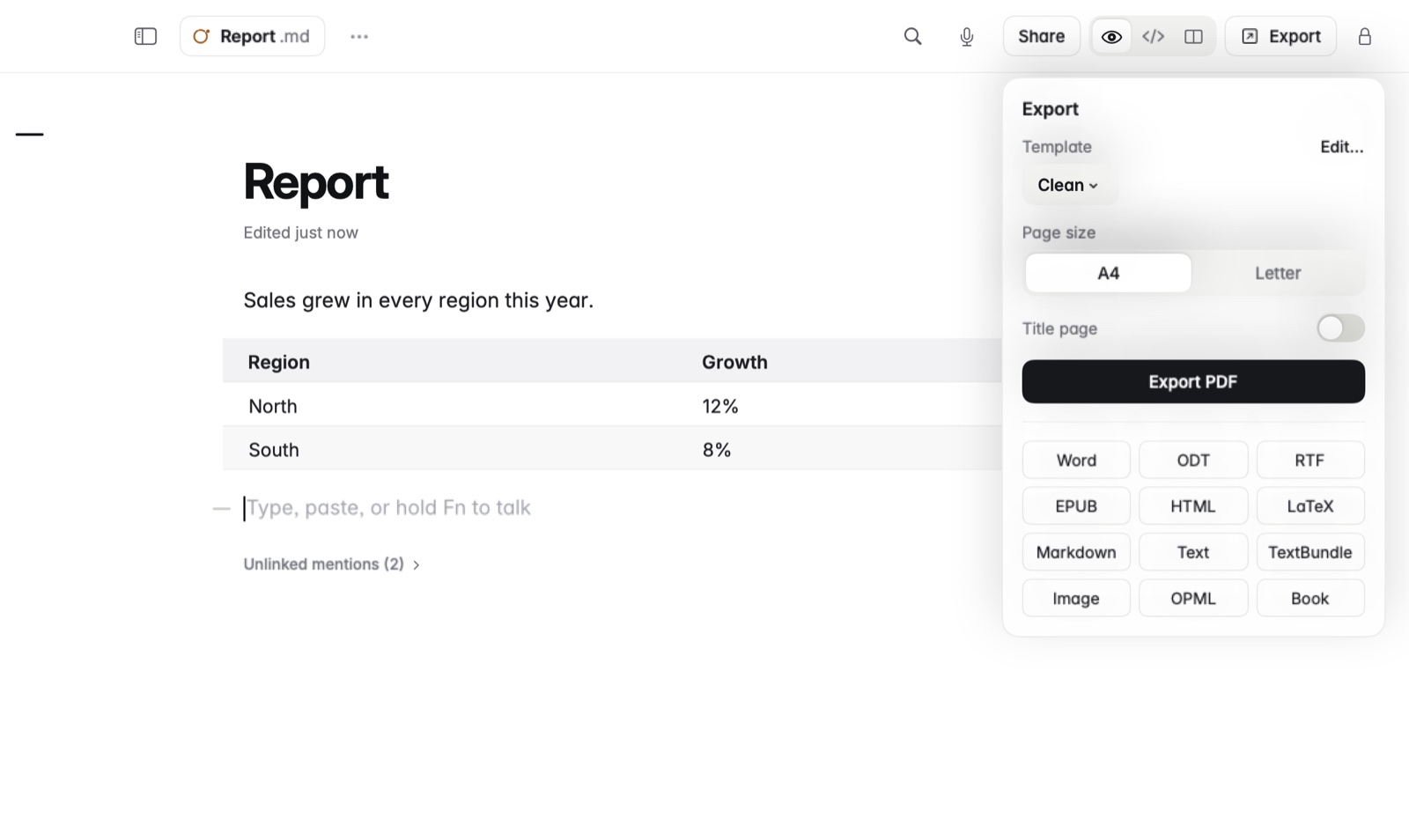
How to make a book from a folder
- Put the chapters in one folder, one note each.
- Open one of those notes.
- Press ⌘E and choose Book.
- Choose where to save the
.epubfile. It's named after the folder.
How to make a book from a tag
- Choose the tag in the sidebar.
- Press ⌘E and choose Book.
- Choose where to save it.
Example
A folder called Field guide holds 01 Start, 02 Birds and 10 Trees. Book makes an EPUB named Field guide, with those three chapters in that order. The notes go in by title, so numbering them keeps the order you want. Second-level headings show in the book's contents too.
Good to know
- For a single note, choose EPUB in the Export panel instead.
- Formulas come through in books, inline ones too.
- Private notes stay out of books.