 Coffee
Comments
Mac
You can add a comment to any words you select in a note. Comments stay out of the file, so your Markdown stays clean.
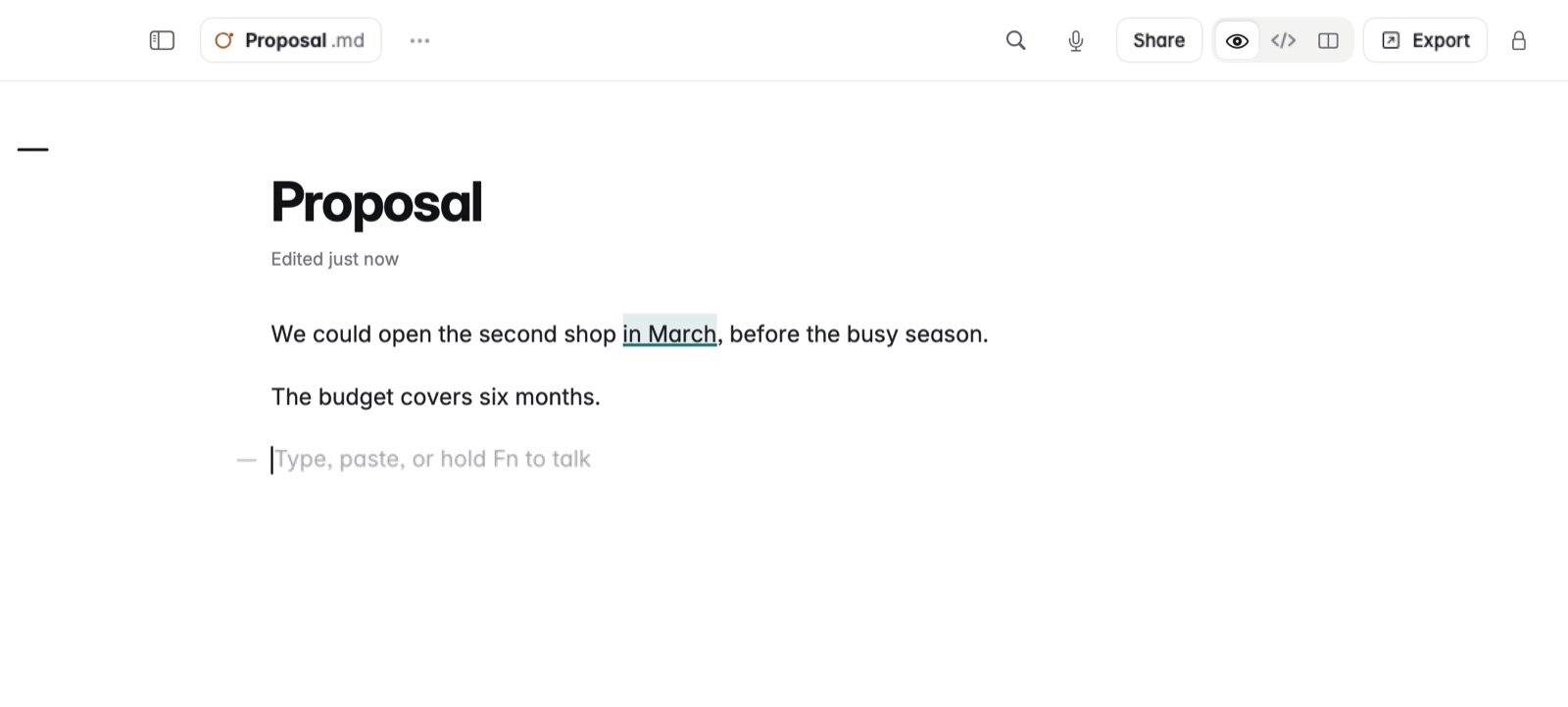
How to add a comment
- Select the words you want to comment on.
- Choose Comment on the toolbar that appears over the selection.
- Type your comment under Add a comment.
How to reply or resolve
Open a comment beside its words. Type under Reply to answer it, or resolve it when it's dealt with.
Example
In a draft blog post, you select "early next year" and comment: check the launch date with Marta. The sentence stays as it is in the file, and the comment waits beside it.
Good to know
- Comments stay with the note when you move your library, to iCloud Drive for example.
- Comments can't be kept on a private note.