 Coffee
Rewrite with Apple Intelligence
MaciPhone and iPad
Apple's Writing Tools work in Coffee and return plain text, so a rewrite never brings formatting into your Markdown.
How to rewrite some text
- Select the text you want to change.
- Open Apple's Writing Tools, as you would in any app.
- Choose what you want, such as a proofread or a rewrite.
The result replaces your selection as plain text, so headings, links and other Markdown around it stay as they were.
Good to know
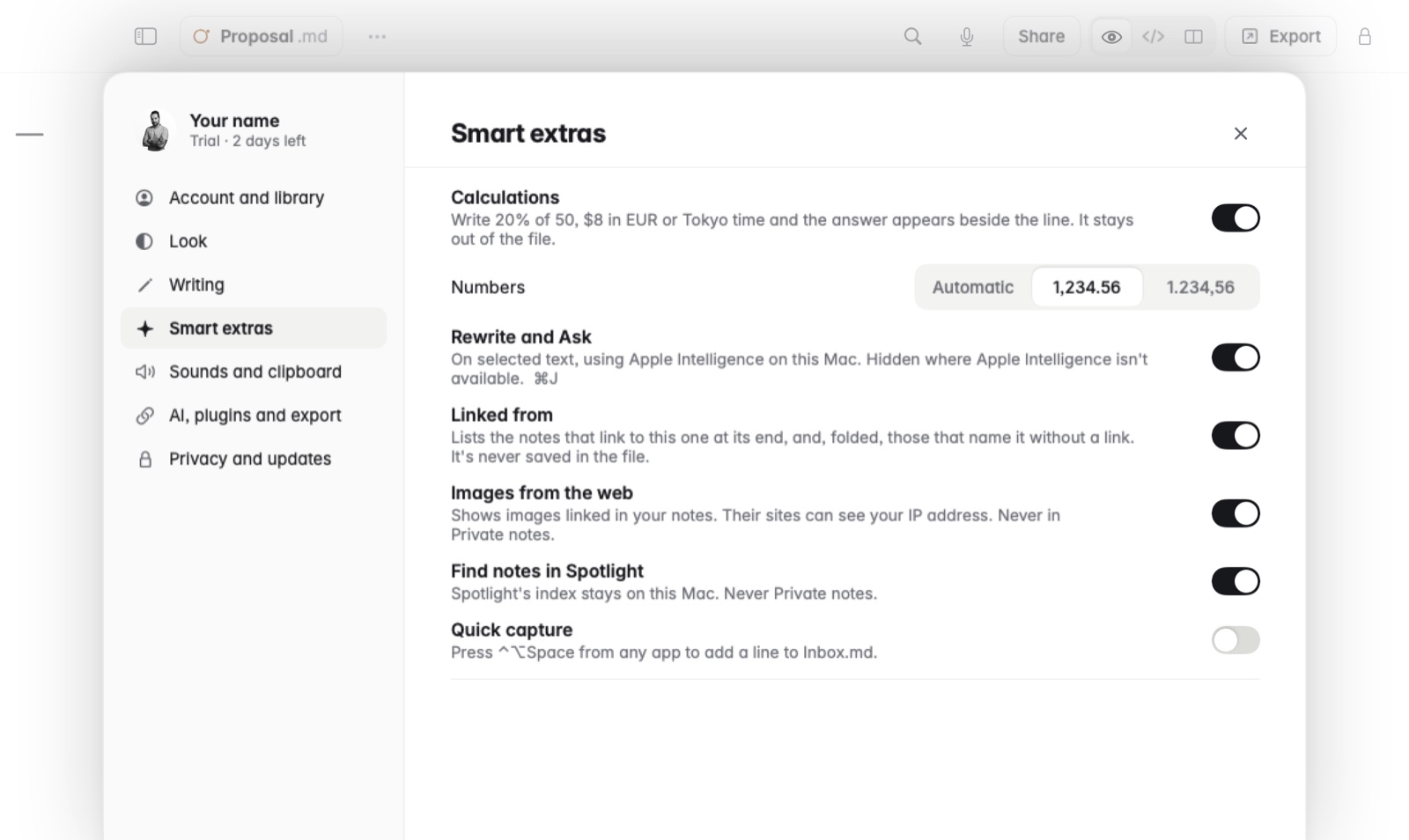
- Rewrite and Ask show only where Apple Intelligence can run them, and Settings has a switch to hide them.
- To ask questions about your notes instead, see Ask about your notes.