 Coffee
Ask about your notes
MaciPhone and iPad
Ask answers questions about your notes, using Apple Intelligence on your device. On the Mac, press ⌘J, or hold Fn and talk.
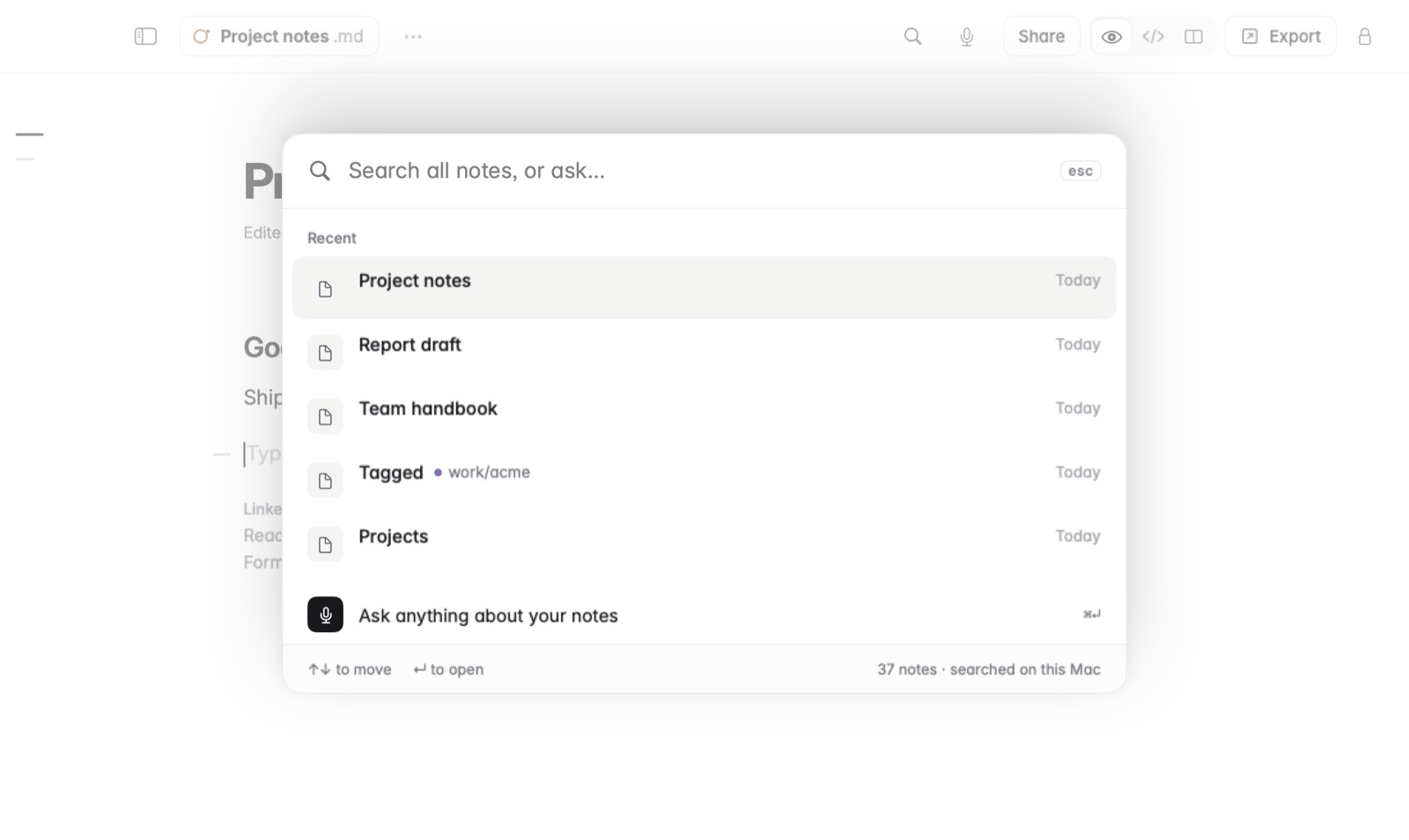
How to ask on the Mac
- Choose Note › Ask, or press ⌘J.
- Type your question, such as what you decided about the budget.
- Or hold Fn, say your question, and let go.
How to ask on iPhone and iPad
- Open Ask in Coffee.
- Type your question under Ask about your notes, and tap Ask.
Good to know
- Ask needs macOS 26 or iOS 26, and Apple Intelligence on that device. If Apple Intelligence is off on your iPhone or iPad, turn it on in Settings › Apple Intelligence & Siri.
- The model runs on the device, so your notes aren't sent anywhere.
- Private notes are left out.
- Rewrite and Ask show only where Apple Intelligence can run them, and Settings has a switch to hide them.
- Asking questions about your notes with Apple Intelligence explains what Ask reads and its limits.