 Coffee
Tasks in the sidebar
Mac
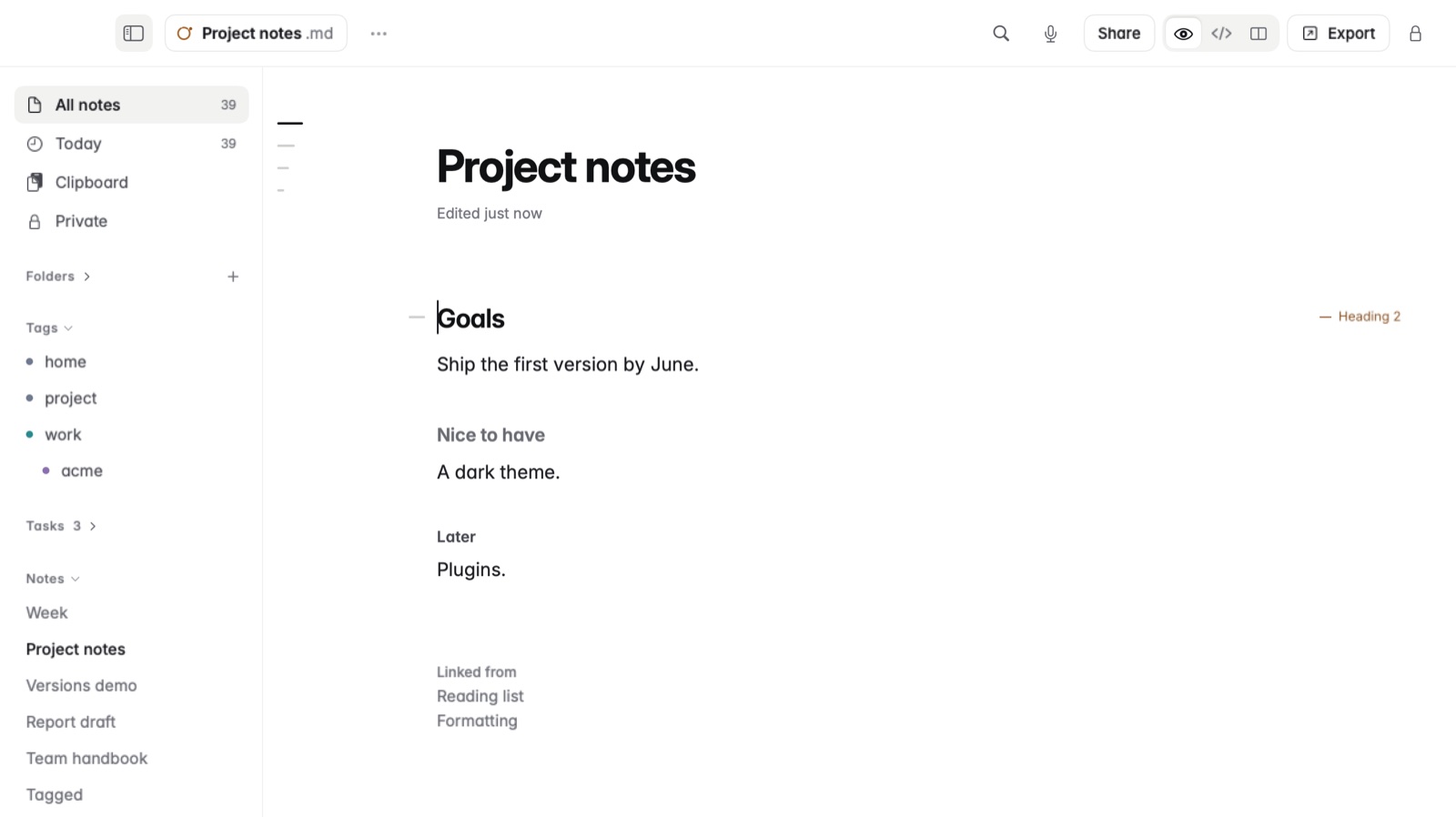
The sidebar can list every open checkbox from all your notes, grouped under Overdue, Today, Upcoming and No date. It's off until you turn it on.
How to turn it on
- Open Settings › Look.
- Turn on Tasks in the sidebar.
- A Tasks section appears in the sidebar with your open tasks.
How a task gets a date
A task is any - [ ] line in a note. When the line names a date, such as 2026-11-20, or words like tomorrow or 13 Nov, the task goes under Overdue, Today or Upcoming. Without a date it goes under No date.
Example
In Markdown
**Website launch**
- [ ] Send the draft to Marta tomorrow
- [ ] Renew the domain 2026-11-20
- [ ] Pick a photo for the header
- [x] Write the about page
In Coffee Preview
Website launch
- Send the draft to Marta tomorrow
- Renew the domain 2026-11-20
- Pick a photo for the header
- Write the about page
The first two tasks are listed by their dates, the third under No date, and the ticked one isn't listed.
Good to know
A task inside a code block isn't counted. To send a task to the Reminders app, see Calendar and reminders in a note.