 Coffee
Tags
MaciPhone and iPad
Tags group notes across folders. Write a #tag anywhere in a note, or list tags in its front matter, and the note appears under that tag.
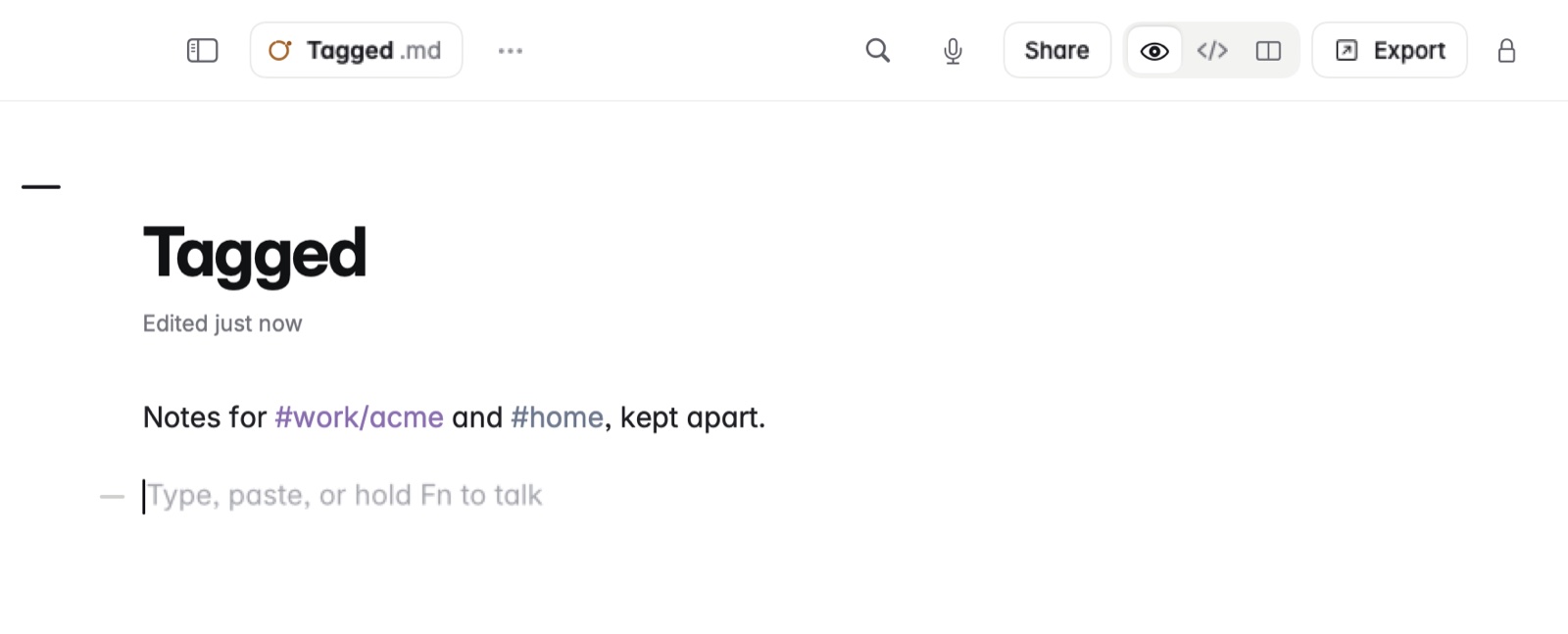
How to tag a note
- Type
#followed by a word, like#reading, anywhere in the note. - For tags inside tags, use a slash:
#work/acmeshows underworkas a tree. - Or list the tags in the note's front matter, at the very top.
On the Mac, Note › Tags… lists every tag.
Example
In Markdown
---
tags: [reading, books/fiction]
---
# The Remains of the Day

Finished on the train. Lend to Ana. #to-lend
In Coffee Preview
The Remains of the Day
Finished on the train. Lend to Ana. #to-lend
This note shows under reading, under books › fiction, and under to-lend.
Good to know
- Settings › Connect AI apps has Hidden tags, for notes with tags that AI apps shouldn't see. See Connecting AI apps over MCP.
- Tags are plain text in the file, so other Markdown apps keep them.
- Query blocks can list every note with a tag as a table or a board.