 Coffee
Folders from anywhere
Mac
You can add folders from anywhere on your Mac to the sidebar, external disks included. They join search, links and tags, and the files stay where they are.
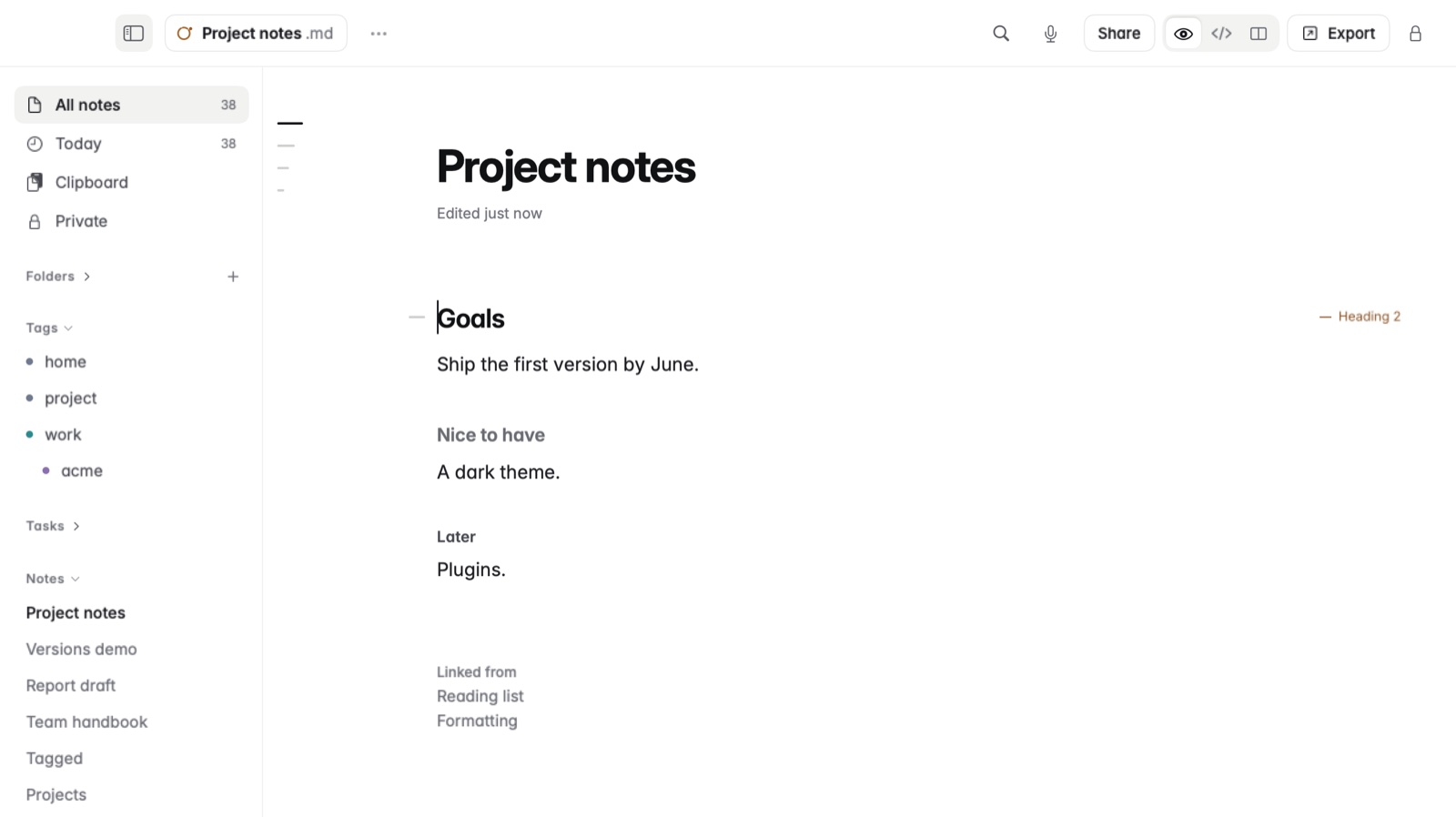
How to add a folder
- In the sidebar, find the Folders section.
- Click the + beside Folders.
- Choose the folder, on your Mac or on an external disk.
The folder appears in the sidebar with your other folders. Its notes show up in search, tags and links, and nothing is copied or moved.
How to remove one
Right-click the folder in the sidebar and choose Remove from Sidebar. The folder and its notes stay on disk, untouched. Show in Finder, in the same menu, opens it in the Finder.
Example
You keep your work notes in your library, and an archive of old projects on an external SSD. Add the SSD's archive folder, and searching for a client's name finds notes in both places.
Good to know
When the disk isn't plugged in, the folder shows as Offline. Plug it back in and its notes return.