 Coffee
Backlinks and mentions
MaciPhone and iPad
Under Linked from, a note lists the other notes that link to it, and mentions of its name that aren't links yet. Link turns a mention into a link.
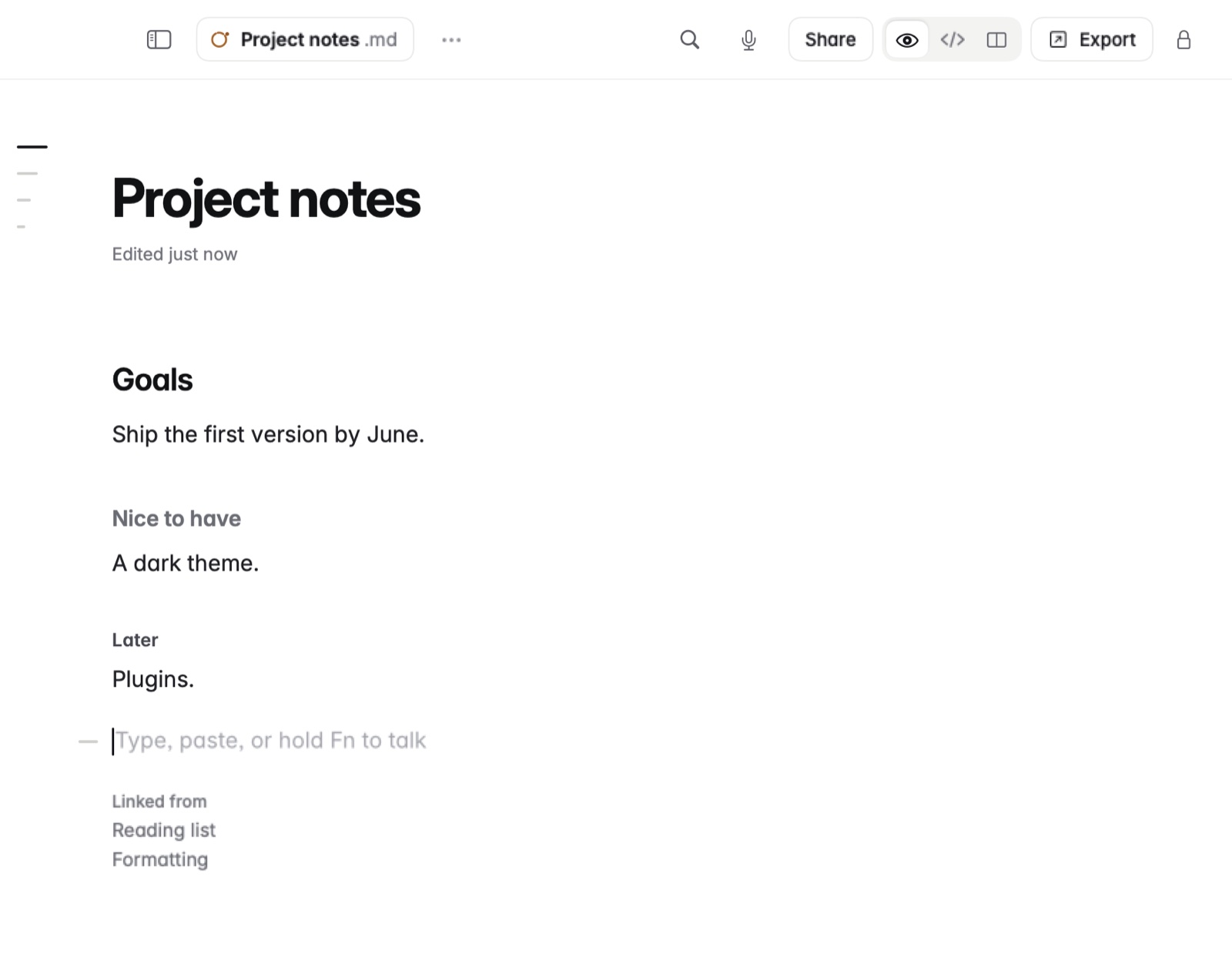
How to see and use backlinks
- Open a note.
- Look under Linked from. Each note that links here is listed. Click one to open it.
- Mentions follow: notes that write this note's name without linking it.
- Click Link beside a mention to make it a real link.
Example
You have a note called Lisbon trip. In your packing list you write:
In Markdown
- [ ] Book the hotel for [[Lisbon trip]]
- [ ] Ask Rui about the Lisbon trip dates
In Coffee Preview
- Book the hotel for Lisbon trip
- Ask Rui about the Lisbon trip dates
In Lisbon trip, the first line is under Linked from. The second is a mention, and Link turns it into [[Lisbon trip]].
Good to know
You can give a note other names with aliases in its front matter, such as aliases: [JS, ECMAScript], and wiki links to those names find it. For a map of all your links, see The graph.