 Coffee
Keyboard sounds
Mac
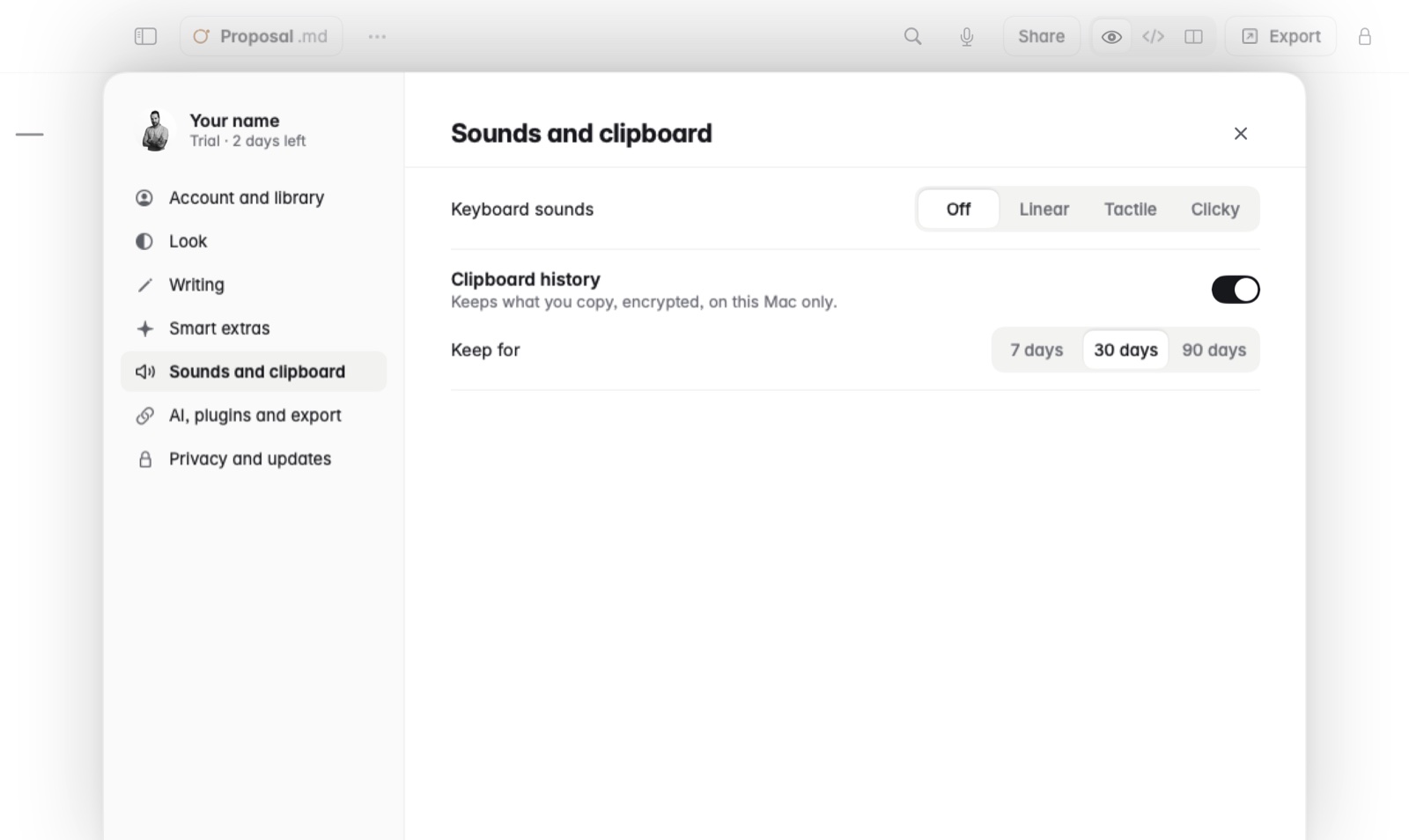
Coffee can play a soft key sound as you type, recorded from Cherry MX Red, Brown and Blue switches, with a volume you set. Keyboard sounds are off by default.
How to
- Open Settings and go to Sounds and clipboard.
- Next to Keyboard sounds, choose Linear, Tactile or Clicky. These are the Red, Brown and Blue switches. Off turns the sounds off again.
- Once a sound is on, a Volume slider appears under it. Drag it to make the sound quieter or louder.
- Type a sentence in a note to hear it, and try the others until one feels right.
Good to know
- The sounds play only while you type in Coffee, nowhere else on the Mac.
- If you share a room, keep the volume low or use headphones.