 Coffee
Clipboard history
Mac
Note › Clipboard History (⇧⌘V) shows what you've copied, lets you search it, and pastes any of it into your note.
How to paste something you copied earlier
- Put the cursor where you want the text.
- Press ⇧⌘V, or choose Note › Clipboard History.
- Type to search, or scroll to the item you want.
- Choose it to paste it.
How to change it
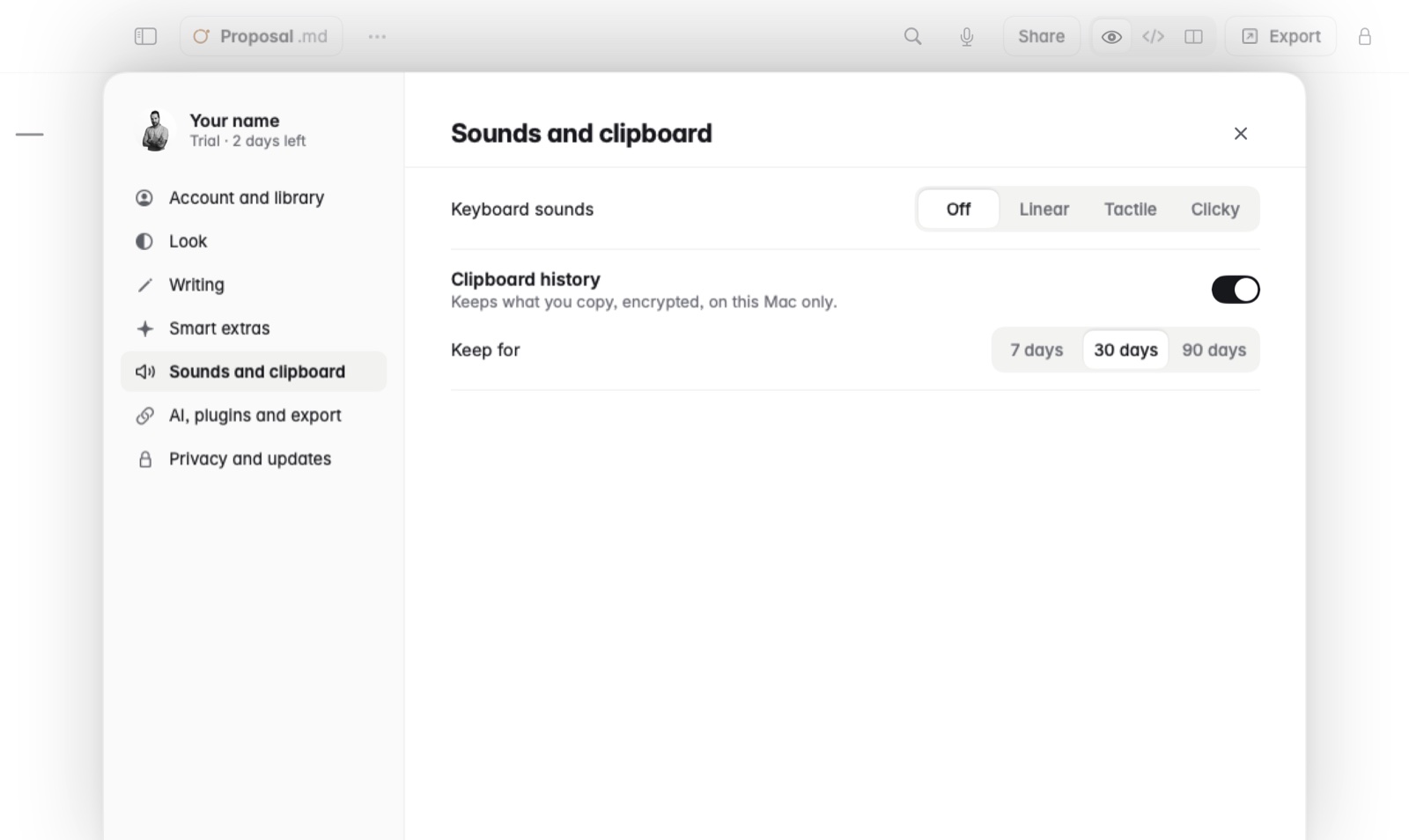
In Settings, Clipboard history turns it on or off. Keep for chooses 7, 30 or 90 days.
Good to know
- It's kept encrypted, on your Mac only.
- Items from password managers are never kept.