 Coffee
Version history
Mac
Note › Version History… lists earlier versions of the note you're in. Each one says what changed against the one before, and restoring one can be undone.
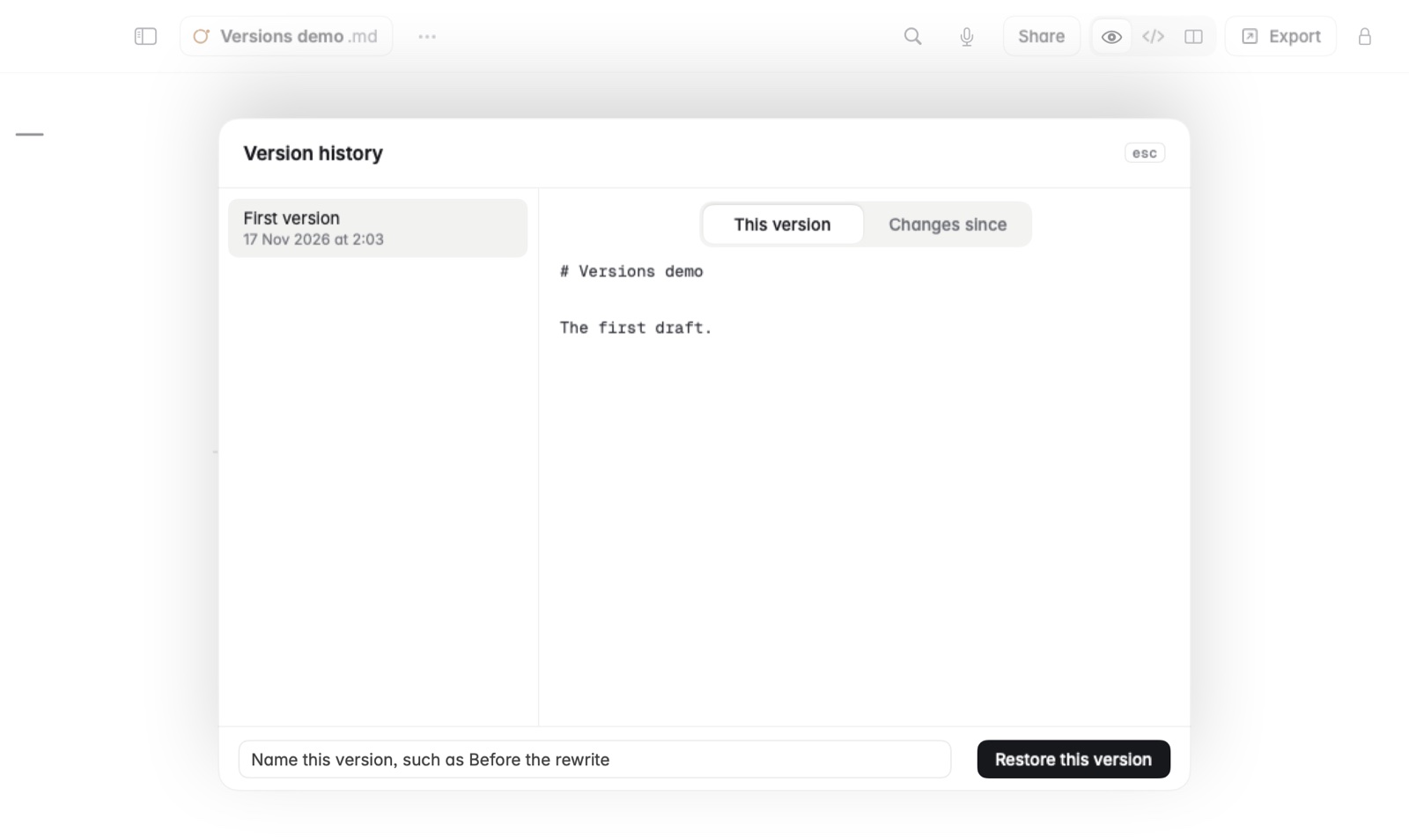
How to go back to an earlier version
- Open the note and choose Note › Version History….
- Pick a version from the list. The changes are shown word by word, so a small edit reads as a small change.
- Choose Restore this version.
Changed your mind? Undo the restore and you're back where you were.
How to name a version
Before a big rewrite, give the current version a name, such as Before the rewrite. Named versions are kept, so you can always find that point again.
How to see everything since a version
Pick a version and switch to Changes since. It shows what was added and removed since then, all together.
Good to know
- When an AI app replaces a note, or another app changes it, Coffee keeps a version first. See Changes made outside Coffee.
- Press Esc to close Version History.