 Coffee
Changes made outside Coffee
Mac
When another app, a Git pull or a synced folder changes a note you have open, Coffee shows each change, and you can keep or undo it one at a time.
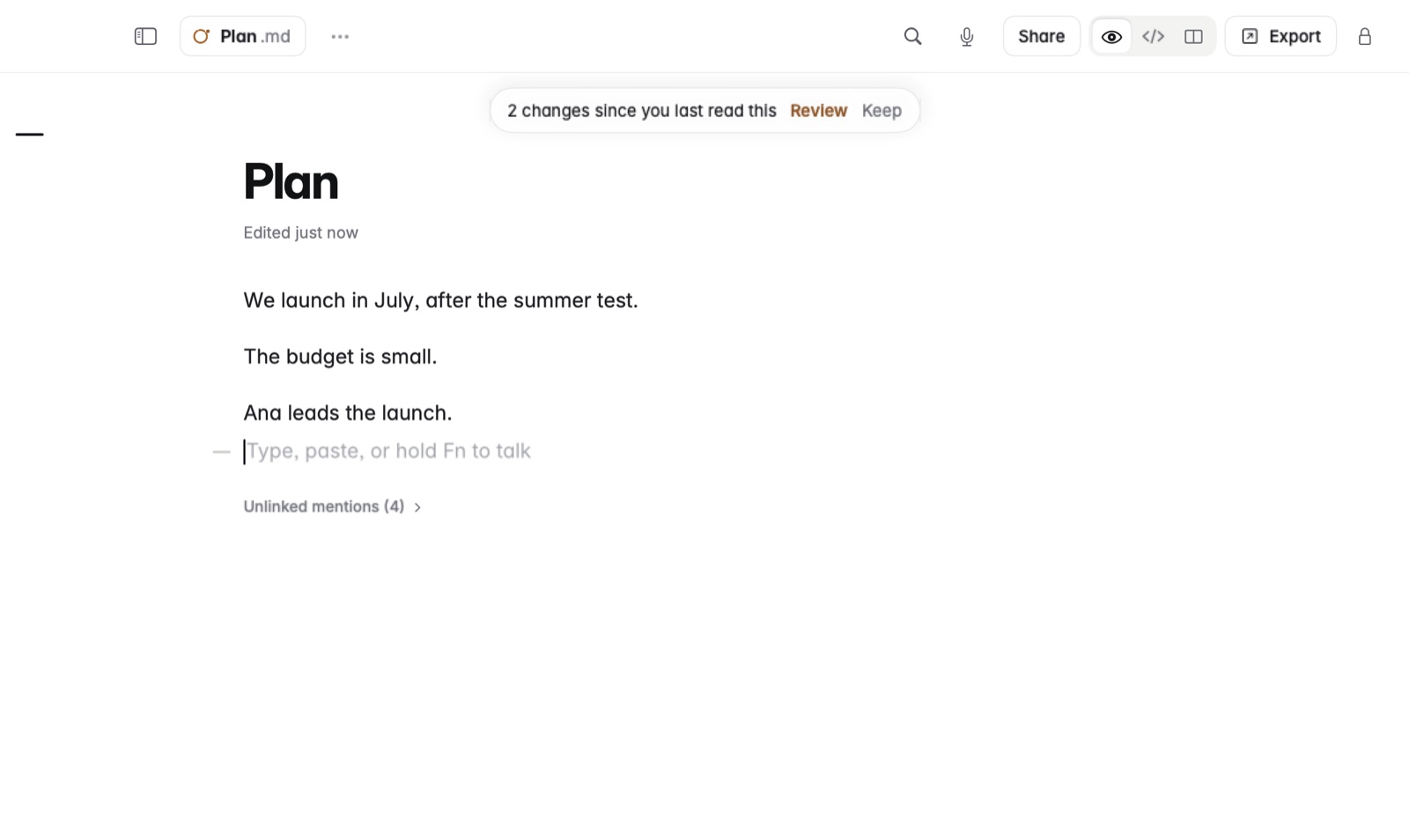
How to review the changes
- Coffee marks each change in the note.
- For each one, choose Keep or Undo.
- Or choose Keep all or Undo all to decide them all at once.
Example
You open your meeting notes on the Mac while a colleague's edit arrives through a shared Dropbox folder. Coffee shows the paragraph they added. You keep it, and undo a line they deleted by mistake.
Good to know
Both your text and the new text are kept in the note's version history, so nothing is lost either way. AI tools are reviewed the same way. See Reviewing AI edits.