 Coffee
Locking Coffee
Mac
Lock Coffee asks for Touch ID when Coffee opens and after 5 minutes away, so nobody else can read your notes at your Mac.
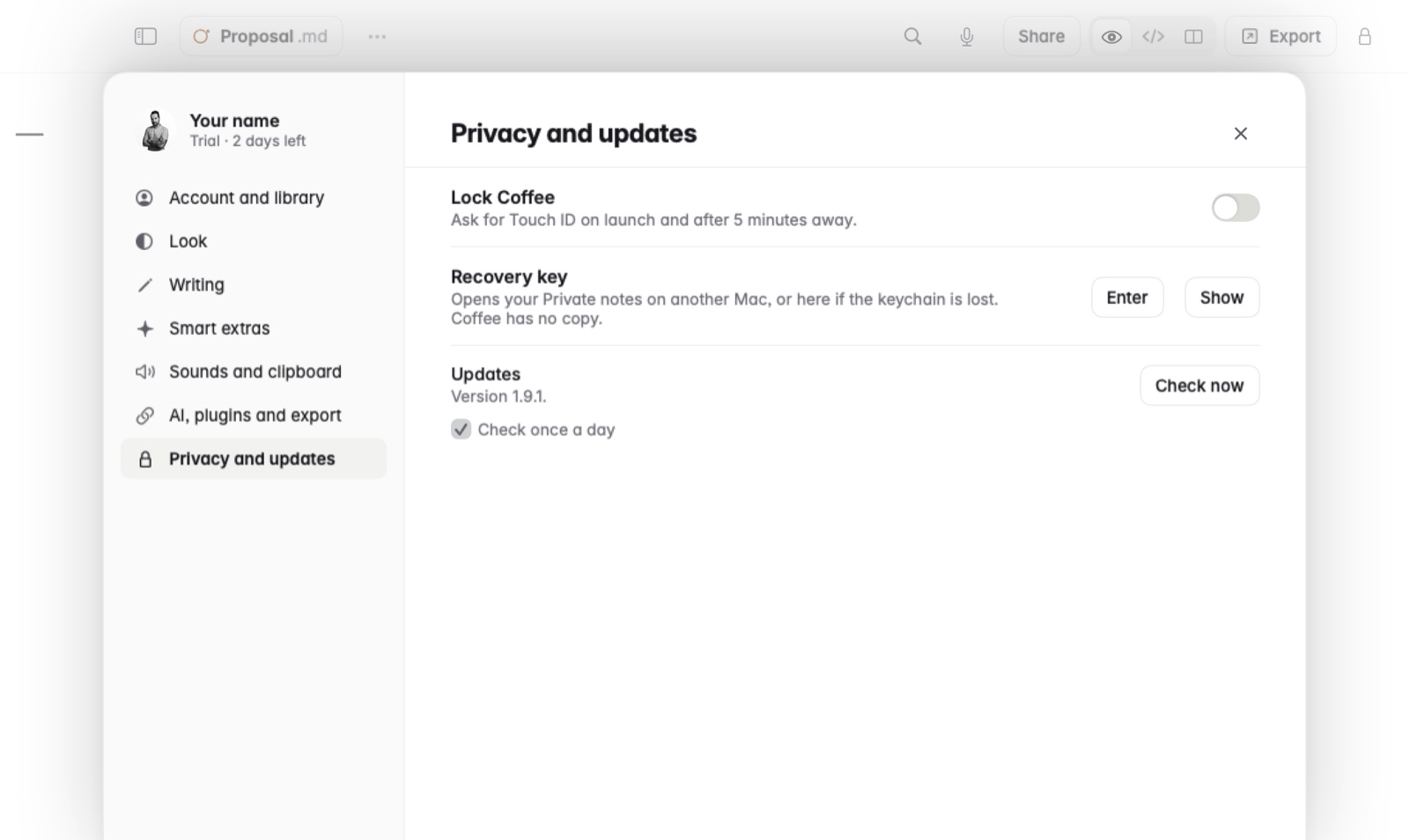
How to turn it on
- Open Settings › Privacy and updates.
- Turn on Lock Coffee.
From then on, Coffee asks for Touch ID each time it opens, and again after you've been away for 5 minutes.
Good to know
Lock Coffee covers the whole app. To keep a single note encrypted on disk, even outside Coffee, use Private notes.