 Coffee
Quotes and callouts
MaciPhone and iPad
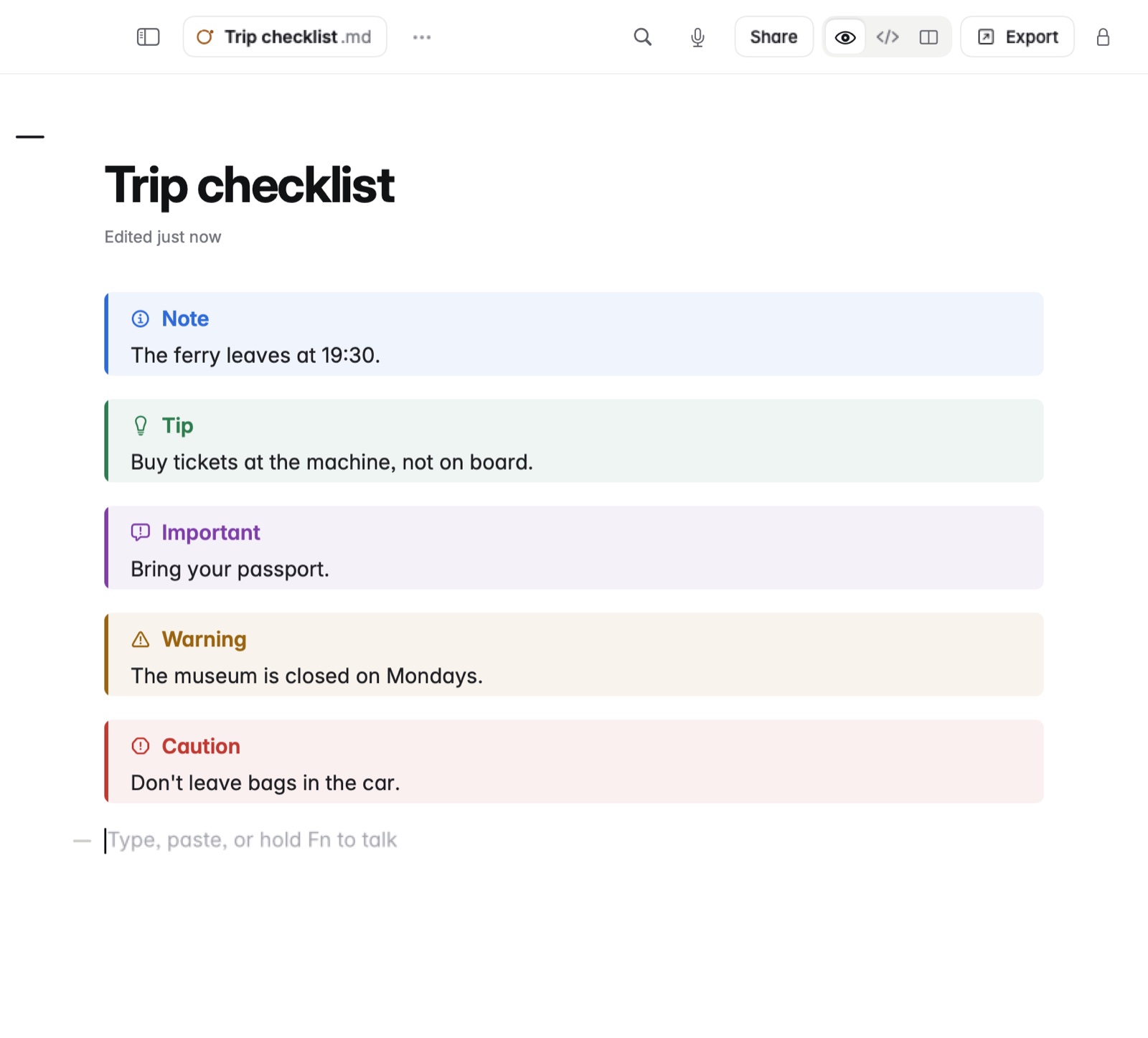
Start a line with > and a space for a quote. A callout is a quote whose first line names its kind, such as > [!note], drawn as a coloured box with an icon.
How to make a quote
- Type
>and a space at the start of a line, then the words. - On the Mac you can also type / and choose Quote. On iPhone and iPad, the Quote button in the bar does it.
How to make a callout
- Start a quote with its kind in square brackets:
> [!note]. - On the next lines, start each with
>and write the text. - Change note to tip, important, warning or caution for another colour and icon.
Example
In Markdown
> [!warning]
> The last ferry back leaves at 19:30.

> [!tip]
> Buy tickets at the machine, not on board.
In Coffee Preview
Warning
The last ferry back leaves at 19:30.
Tip
Buy tickets at the machine, not on board.
Good to know
- Obsidian's names work too, such as
[!info]or[!quote]. - Callouts carry into exports.