 Coffee
Quick capture
MaciPhone and iPad
Quick capture adds a thought to Inbox.md from any app, without stopping what you're doing.
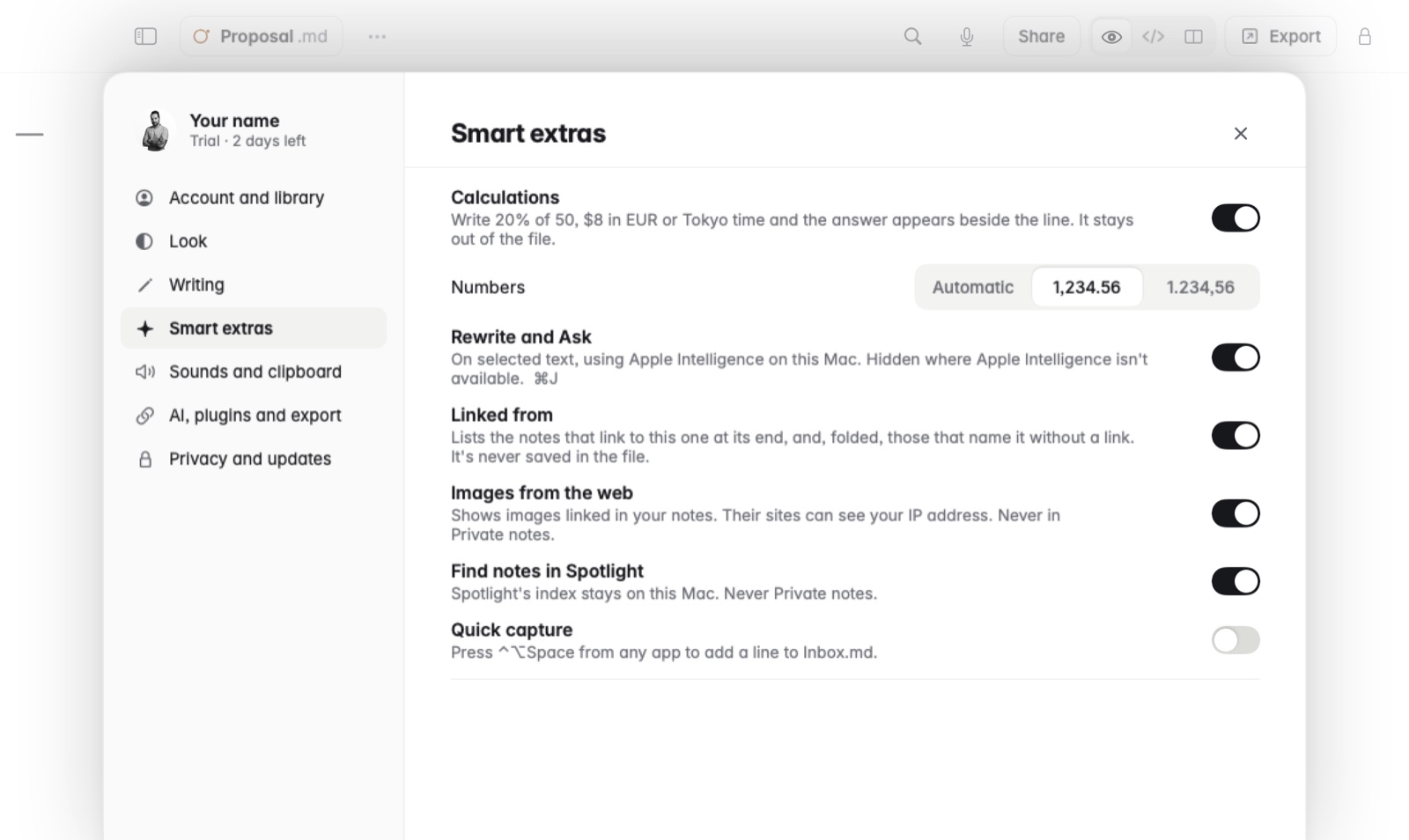
How to turn it on on the Mac
- Open Settings and turn on Quick capture, under Smart extras. It's off until you do.
- In any app, press ⌃⌥Space.
- Type your thought. It's added to
Inbox.md.
Inside Coffee, File › Quick Capture… does the same.
On iPhone and iPad
Control Center has controls for New note and Inbox.
Good to know
Everything lands in one note, Inbox.md, so you can sort it out later.