 Coffee
Headings
MaciPhone and iPad
A line starting with # is a heading: # for the biggest, ## for the next, down to ######. The first heading is the note's title.
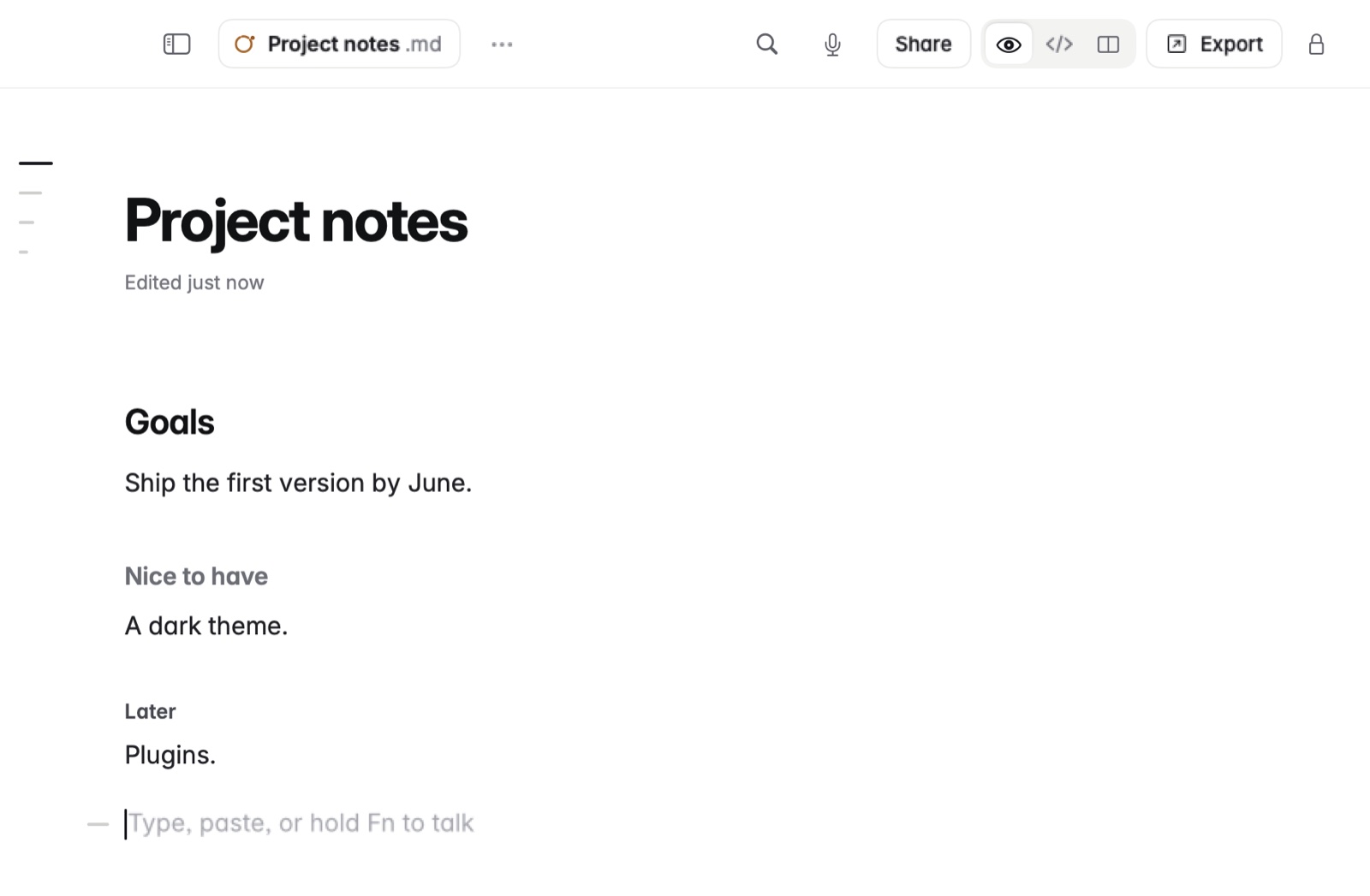
How to make a heading
- Start a line with one to six
#marks and a space. - Type the heading.
On the Mac, ⌥⌘1 to ⌥⌘4 make the line a heading of that level, and ⌥⌘0 makes it a paragraph again. On iPhone and iPad, the bar above the keyboard has headings.
Example
In Markdown
# Lisbon in May
## Where to stay
### Alfama
In Coffee Preview
Lisbon in May
Where to stay
Alfama
Good to know
Headings give a note its shape. They're what you jump between in the outline, fold away with Folding sections, and list with a table of contents.