 Coffee
Folding sections
Mac
Click the arrow beside a heading to hide everything under it. Click it again to show it.
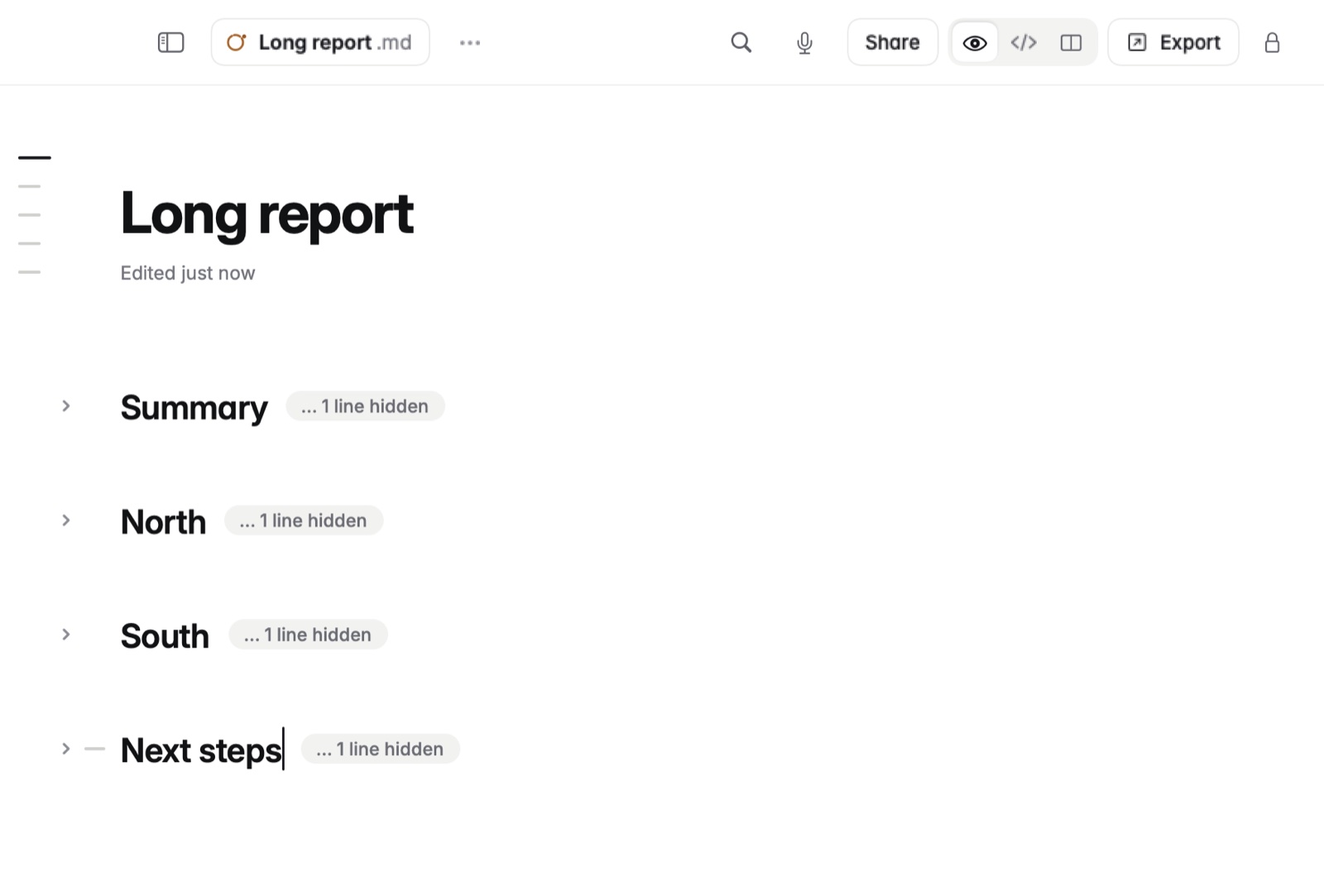
How to fold
- Click the arrow beside a heading to fold that section. Click it again to unfold.
- Option-click the arrow to fold every heading of that level at once.
- View › Fold All and Unfold All do the whole note.
Good to know
Folding only changes what you see. The file never changes.