 Coffee
Code blocks
MaciPhone and iPad
Put code between two lines of three backticks, and name the language right after the first three, such as python. Coffee colours it for that language.
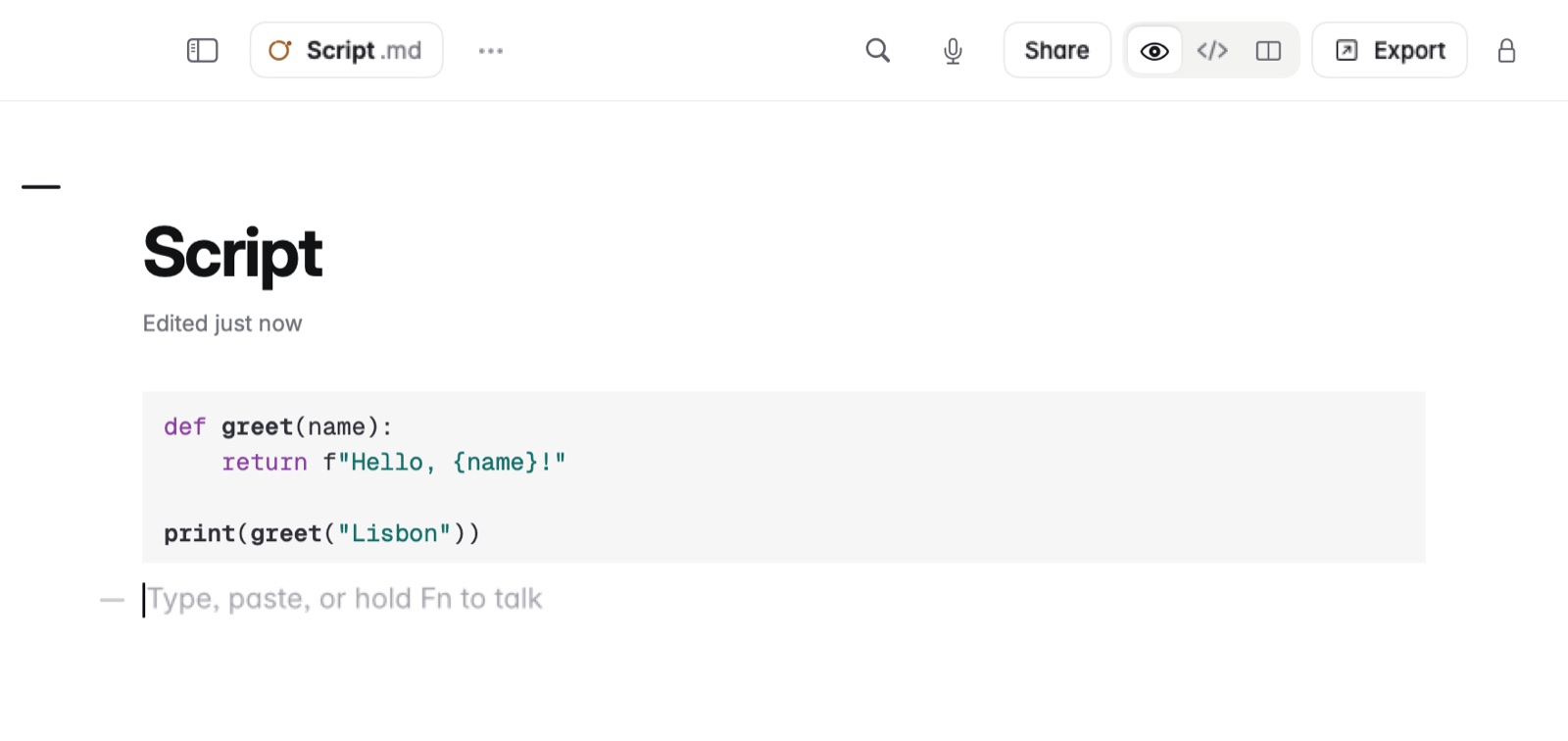
How to write a code block
- Type three backticks and the language, such as
python. - Write the code on the lines below.
- End with a line of three backticks.
On the Mac, you can also type / and choose the code block.
Example
In Markdown
```python
total = sum([12, 30, 8])
print(total)
```
Languages
About 30 languages are coloured, including Swift, Python, JavaScript, TypeScript, JSON, HTML, CSS, shell, SQL, Go, Rust, Ruby, Java, Kotlin, C, C++, C#, PHP, YAML and Markdown.
Good to know
Line numbers in code are a setting, off by default. On the Mac it's Line numbers in code, in Settings › Writing. They're drawn beside the code and never go into the file.