 Coffee
Emoji
MaciPhone and iPad
Type a colon and two letters for a list of emoji, or a whole shortcode such as :tada: and a space to get 🎉.
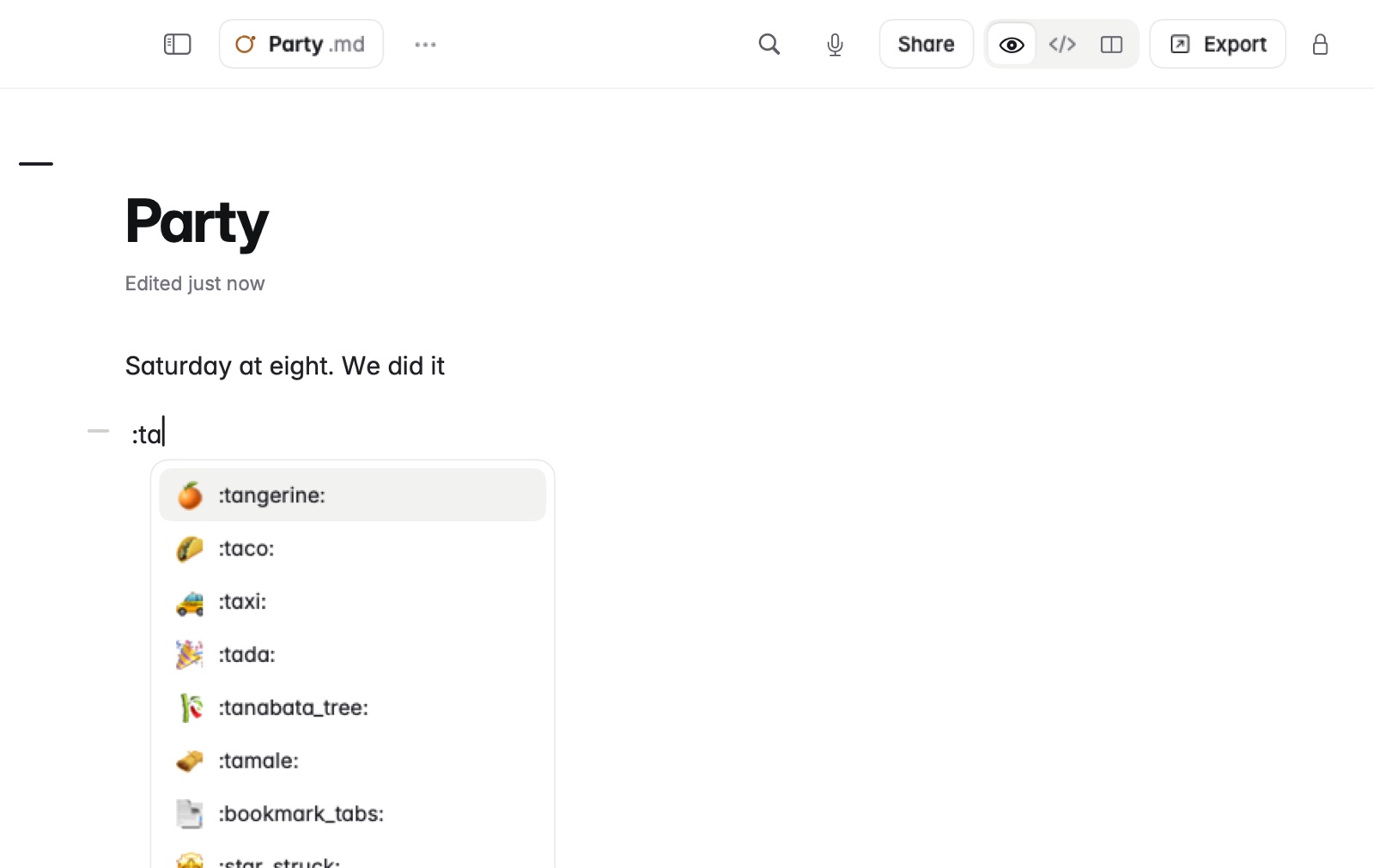
How to add an emoji
- Type
:and the first two letters of its name, such as:ta. - Choose one from the list. On iPhone and iPad, the list is in the bar above the keyboard.
Or type the whole shortcode, such as :tada:, and a space.
Example
In Markdown
We did it :tada: Coffee is on me :coffee:In Coffee Preview
We did it 🎉 Coffee is on me ☕
Good to know
The file stores the emoji itself, not the shortcode, so other apps show it too.