 Coffee
Tables
MaciPhone and iPad
Rows of cells between | marks make a table. The first row is the header, and a line of dashes under it separates it from the rest.
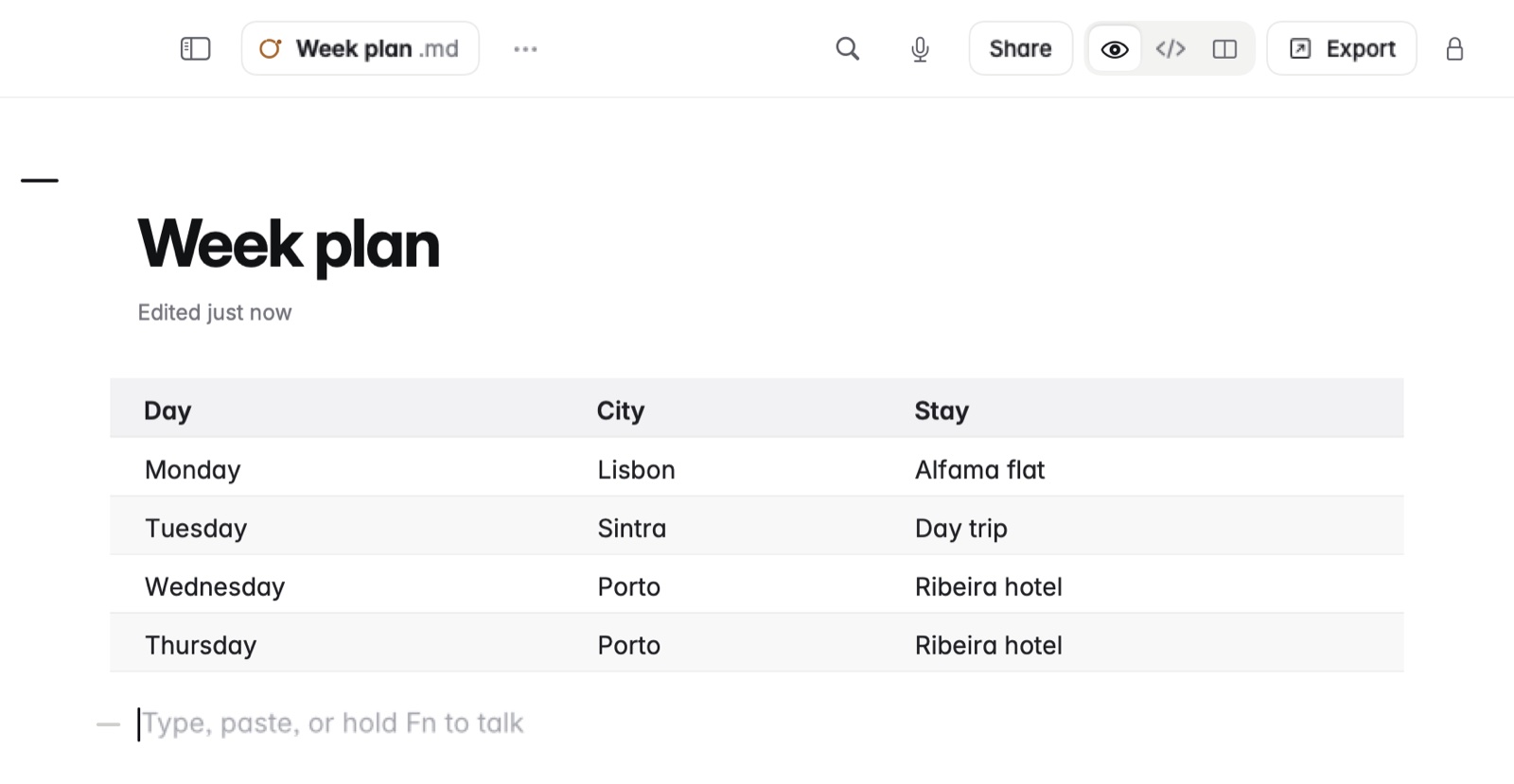
How to make a table
- On the Mac, type
/table 3x4for a table of that size. On iPhone and iPad, the table button offers a menu of sizes. - Fill in the cells.
How to change columns on the Mac
- Put the caret in a column.
- Press ⌃⌘← or ⌃⌘→ to move it, or choose Format › Insert Column Left, Insert Column Right or Delete Column.
- Drag the edge of a column to make it wider.
Format › Tidy Note lines the cells up in the file. On iPad, drag a column's edge to resize it.
Example
In Markdown
| Day | City | Stay |
|-----|------|------|
| Mon | Lisbon | Alfama flat |
| Wed | Porto | Hotel by the river |
In Coffee Preview
| Day | City | Stay |
|---|---|---|
| Mon | Lisbon | Alfama flat |
| Wed | Porto | Hotel by the river |
Good to know
Pasting cells from Excel, Numbers or Google Sheets makes a table. See Pasting tables and web pages.