 Coffee
Canvas
MaciPhone and iPad
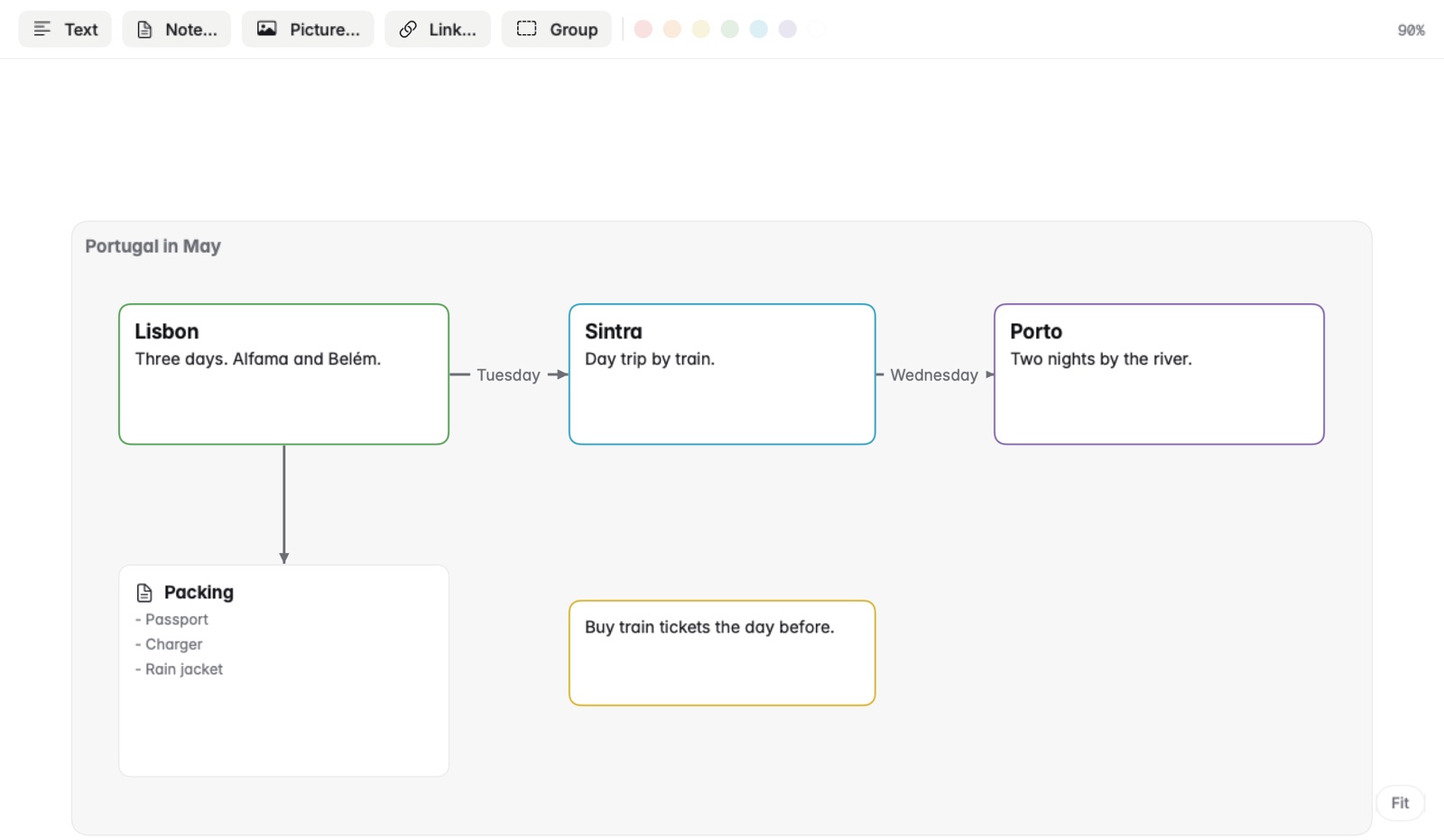
A canvas is a board of cards and arrows in its own window, saved as a .canvas file in the open JSON Canvas format, the same files Obsidian makes.
How to make a canvas
- Choose File › New Canvas…, or Open Canvas… for one you have.
- Add cards: text, notes from your library, links, pictures and groups.
- Drag a card's edge dot onto another card to draw an arrow. An arrow can have a label.
- Scroll to move around, and ⌘-scroll or pinch to zoom.
Changes save a moment later.
Good to know
- Cards come in six colours.
- Double-click a note card to open the note.
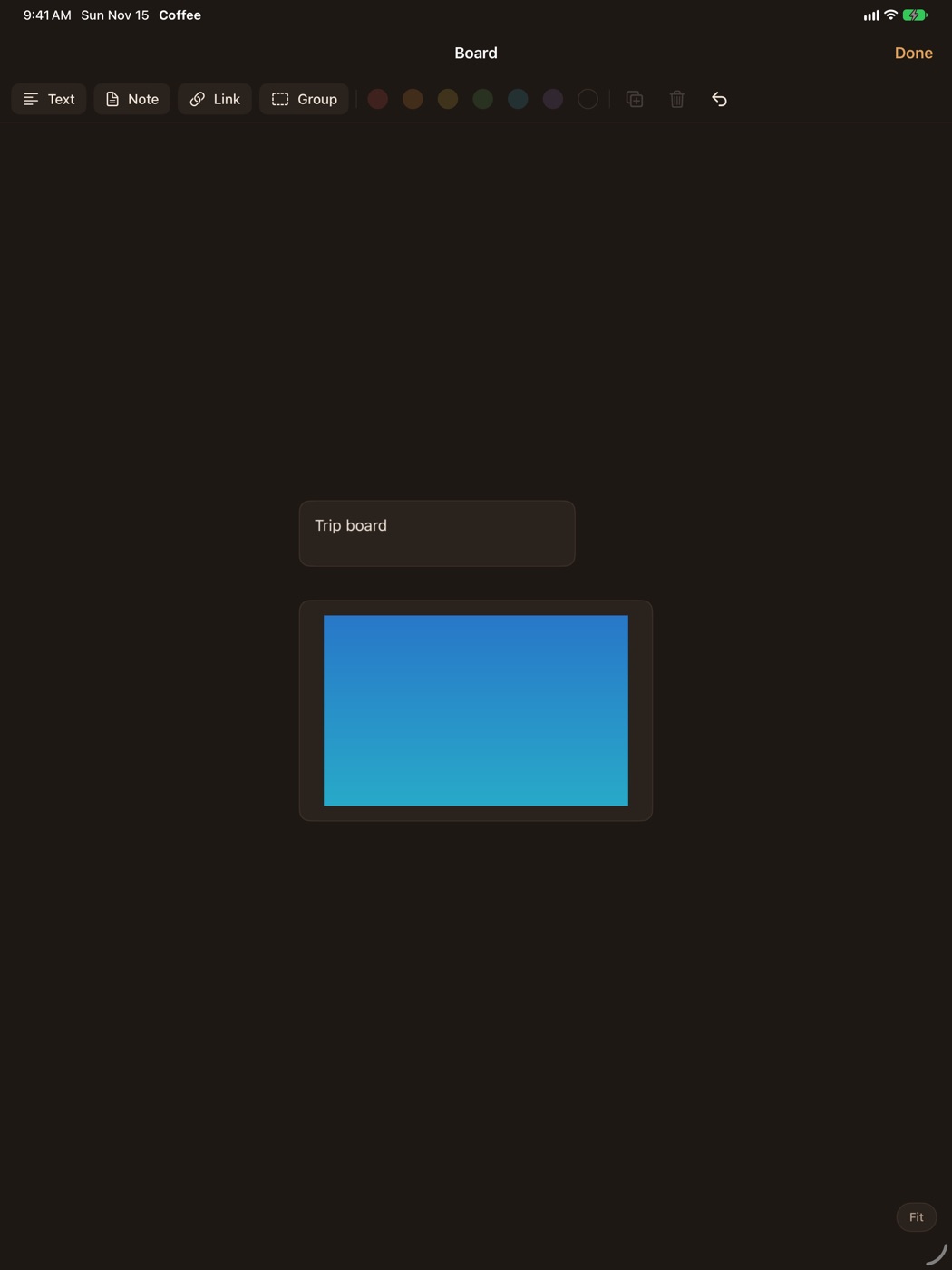
- On iPhone and iPad, canvases open with their cards and pictures.