 Coffee
Outline and moving sections
MaciPhone and iPad
Note › Outline… (⇧⌘O) lists the note's headings. Click one to go there, or drag a heading to move its whole section.
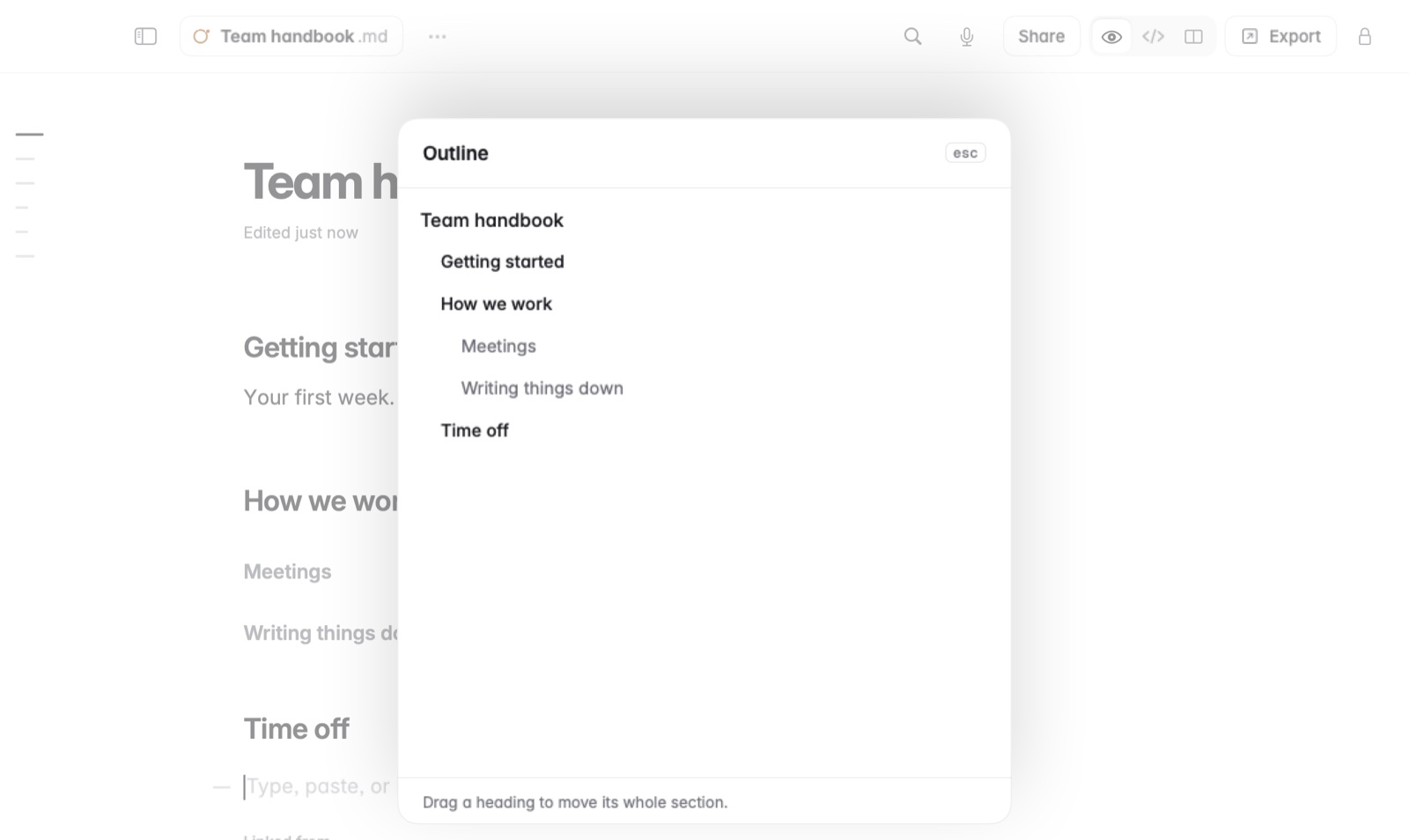
How to move a section
- Open Note › Outline… (⇧⌘O).
- Drag a heading up or down the list. Everything under it moves with it.
- Press Esc to close the outline.
From the keyboard, put the caret in a section and use Format › Move Section Up and Move Section Down (⌥⌘↑ and ⌥⌘↓).
Good to know
On iPad with a keyboard, ⇧⌘O opens the outline too.