 Coffee
Maps
MaciPhone and iPad
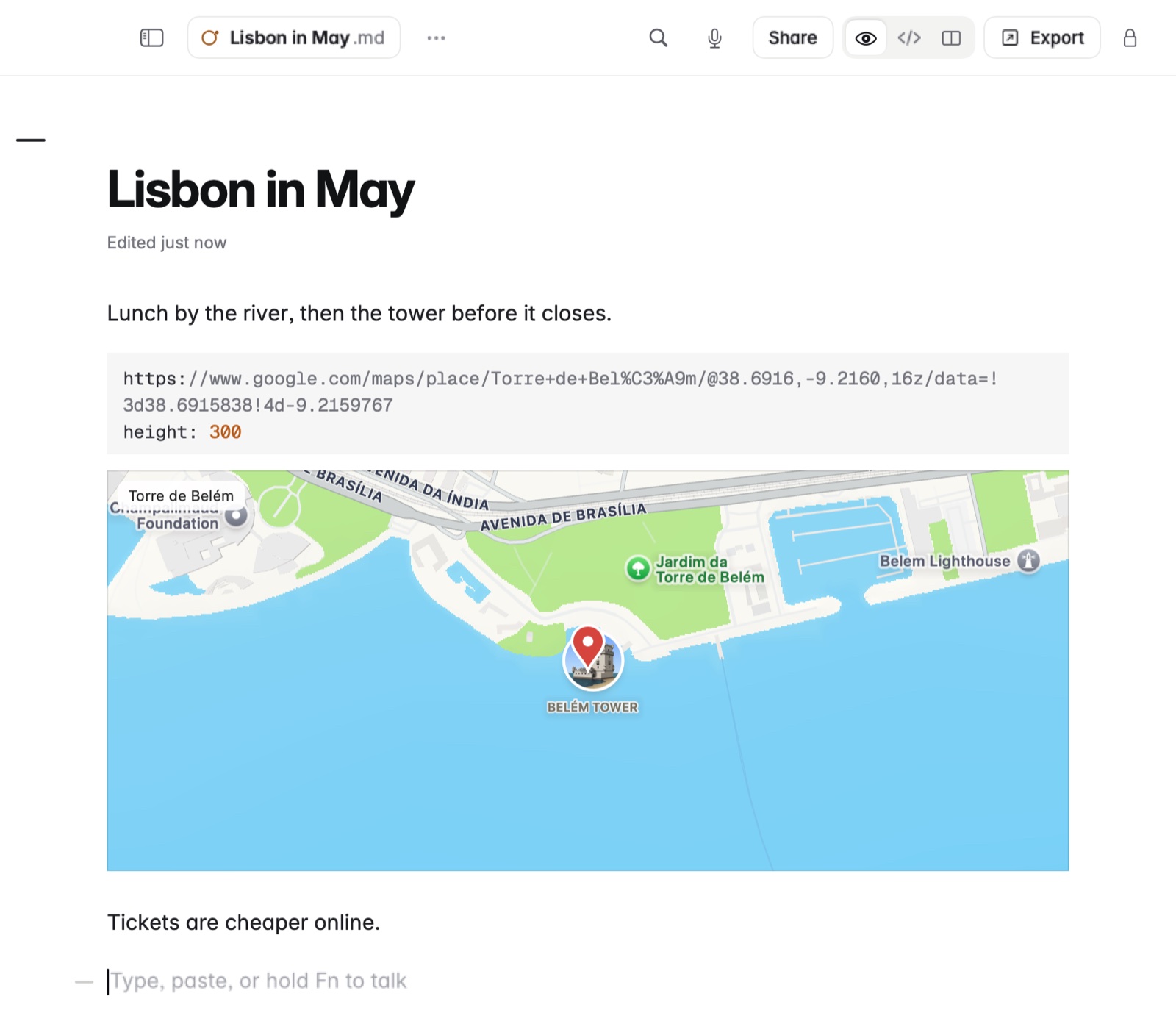
A code block named map, with a map link, coordinates or an address inside, draws Apple Maps with a pin and the place's name.
How to add a map
- Type three backticks and map, to open the block.
- On the next line, write the place: a map link, coordinates or an address.
- End with a line of three backticks. The map appears under it.
Click it on the Mac, or tap it on iPad, for a live map to drag and zoom.
Example
In Markdown
```map
Praça do Comércio, Lisbon
```
Good to know
There's no key to get and nothing to sign up for.