 Coffee
Word count and goals
Mac
View › Word Count (⇧⌘C) shows the note's words. A word goal sets a target for the note and shows how far along you are.
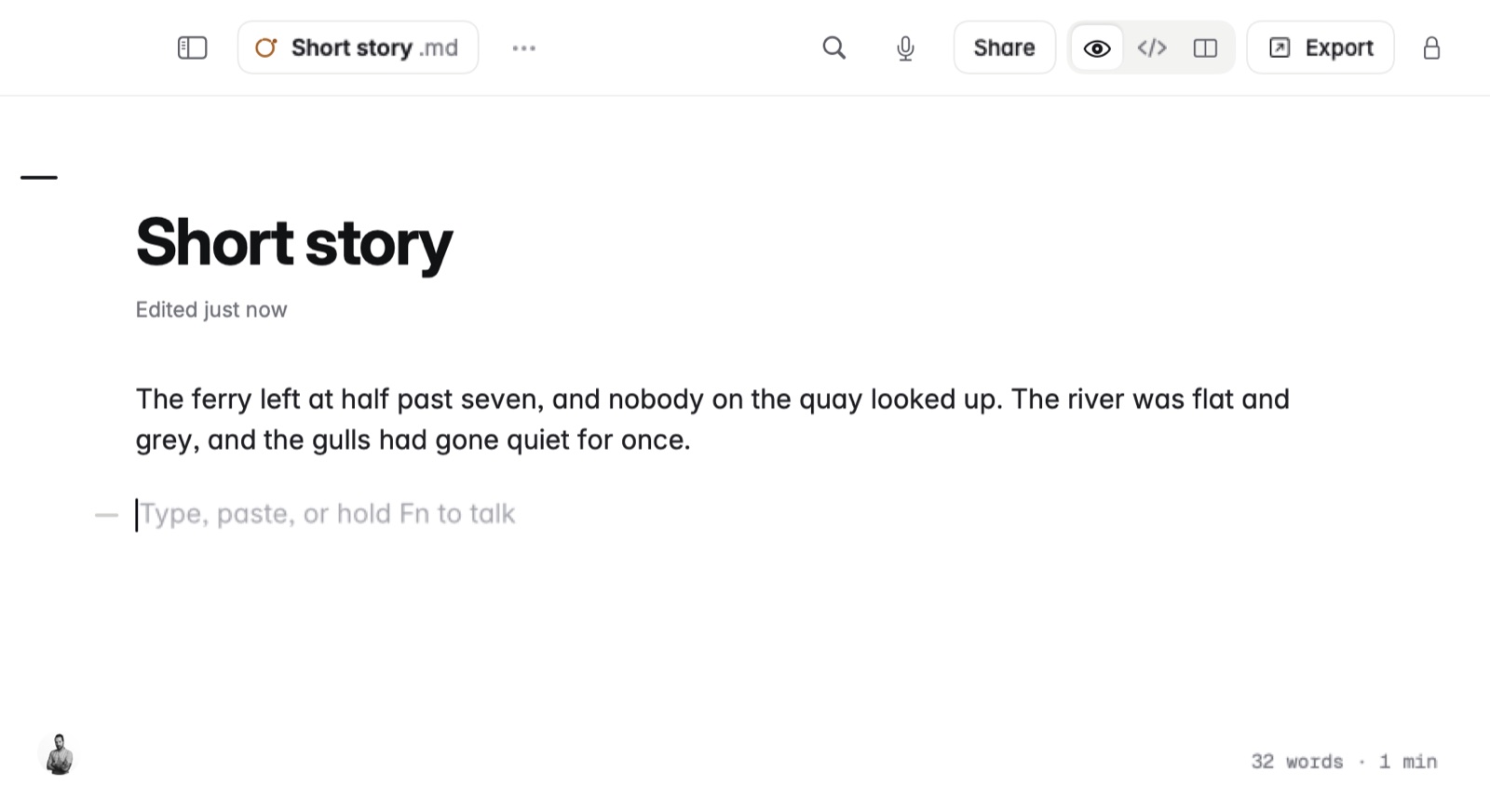
How to set a word goal
- Open the note.
- Choose Note › Word Goal… and enter the number of words.
- The line under the title shows your progress as you write.
Example
The goal is kept in the note's front matter:
---
goal: 1500
---
# Chapter three
Good to know
Because the goal is in the file, it stays with the note wherever it goes.