 Coffee
The / menu
Mac
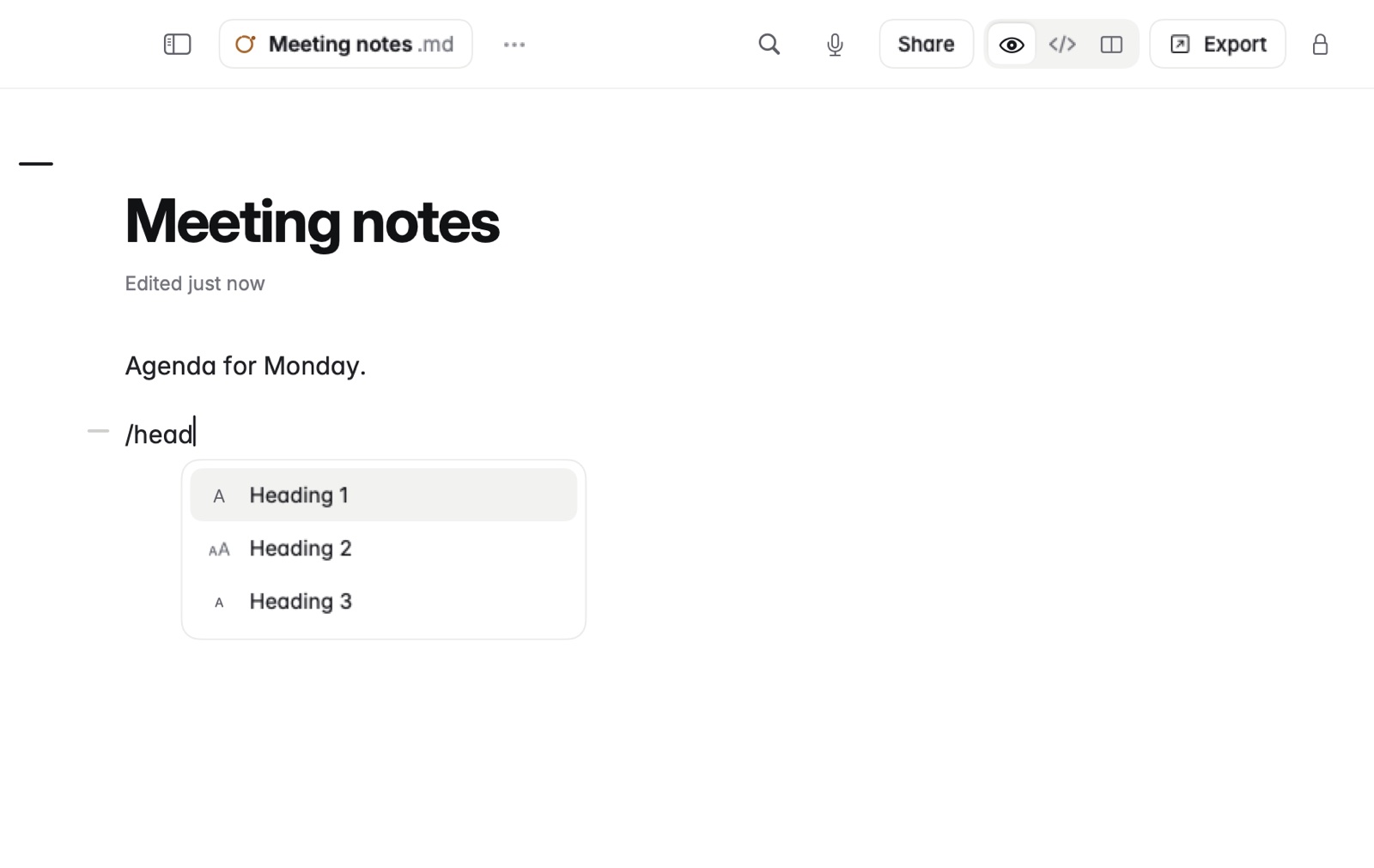
Type / on an empty line, or after a space, for a menu of things to insert: headings, lists, a checklist, a quote, a code block, a table, a divider, today's date, an image or a template.
How to use it
- Put the caret on an empty line, or type a space.
- Type /. The menu opens.
- Keep typing to narrow it.
- Press Return to choose.
Making a table of any size
Type /table followed by the columns and rows. /table 3x4 makes a table of that size, ready to fill in.
Good to know
- For templates, see Templates.
- For tables you already have in a spreadsheet, pasting is quicker. See Pasting tables and web pages.