 Coffee
Templates
Mac
Templates are .md files in a folder, with the date filled in when you use one. A note made from a template starts with its headings and text in place.
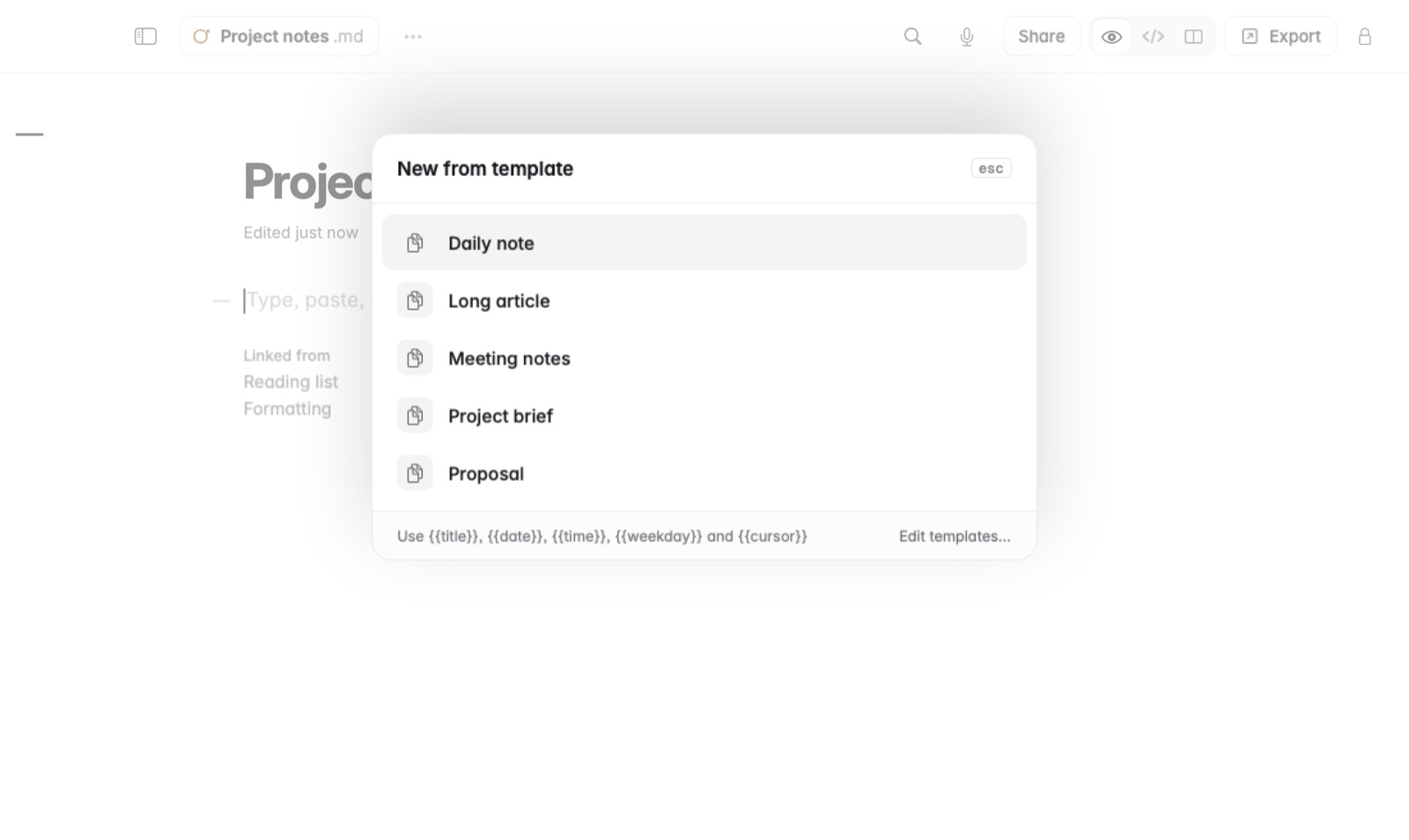
How to make a note from a template
- Choose File › New from Template… (⇧⌘N), or type / and choose Template.
- Pick a template. A new note opens with its text.
Daily, weekly and monthly notes
- Choose File › Today's Note (⌘T) to make or open the note for today, from your Daily note template.
- This Week's Note and This Month's Note do the same from your Weekly and Monthly note templates.
- Choose it again later and the same note opens.
Good to know
More templates are on the templates page. The Daily note template can also bring in the day's calendar. See Calendar and reminders in a note.