 Coffee
Grammar with Harper
Mac
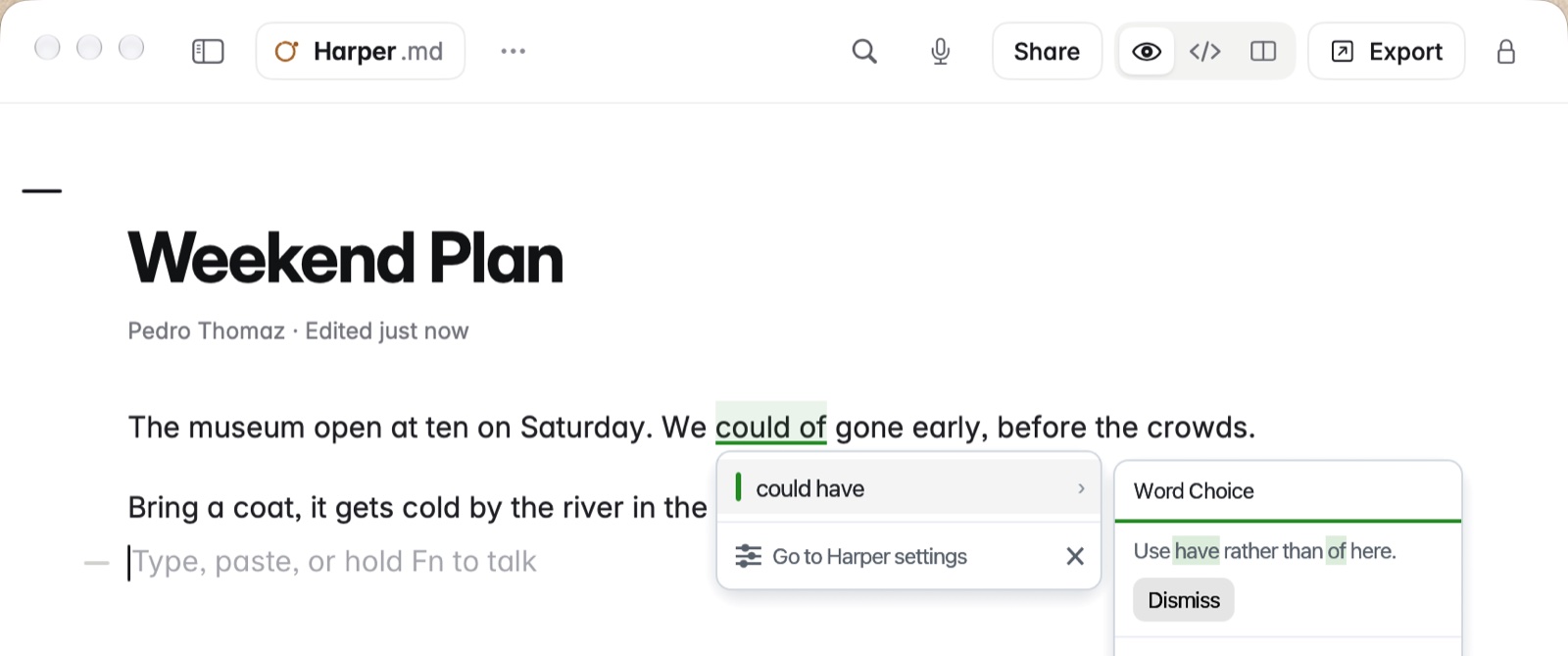
Harper is a free grammar checker for the Mac, and it works in Coffee's editor. It marks a mistake as you write; click the mark to put the fix in.
How to set it up
- Install Harper Desktop from its website and open it.
- In Harper's settings, under Integrations, check that Coffee is in the list and switched on. If it isn't, choose Add application… and pick Coffee.
- Write in Coffee as usual. Harper's marks appear over the note.
Example
In "We could of gone early", Harper marks "could of". Click it and choose "could have".
Good to know
- ⌘Z takes back a fix Harper made, just that word.
- Harper's marks are drawn by Harper, over the window. Nothing goes into the file but the fix you choose.
- Coffee's own Style Check and Harper can be on together.