 Coffee
Whiteboard
Mac
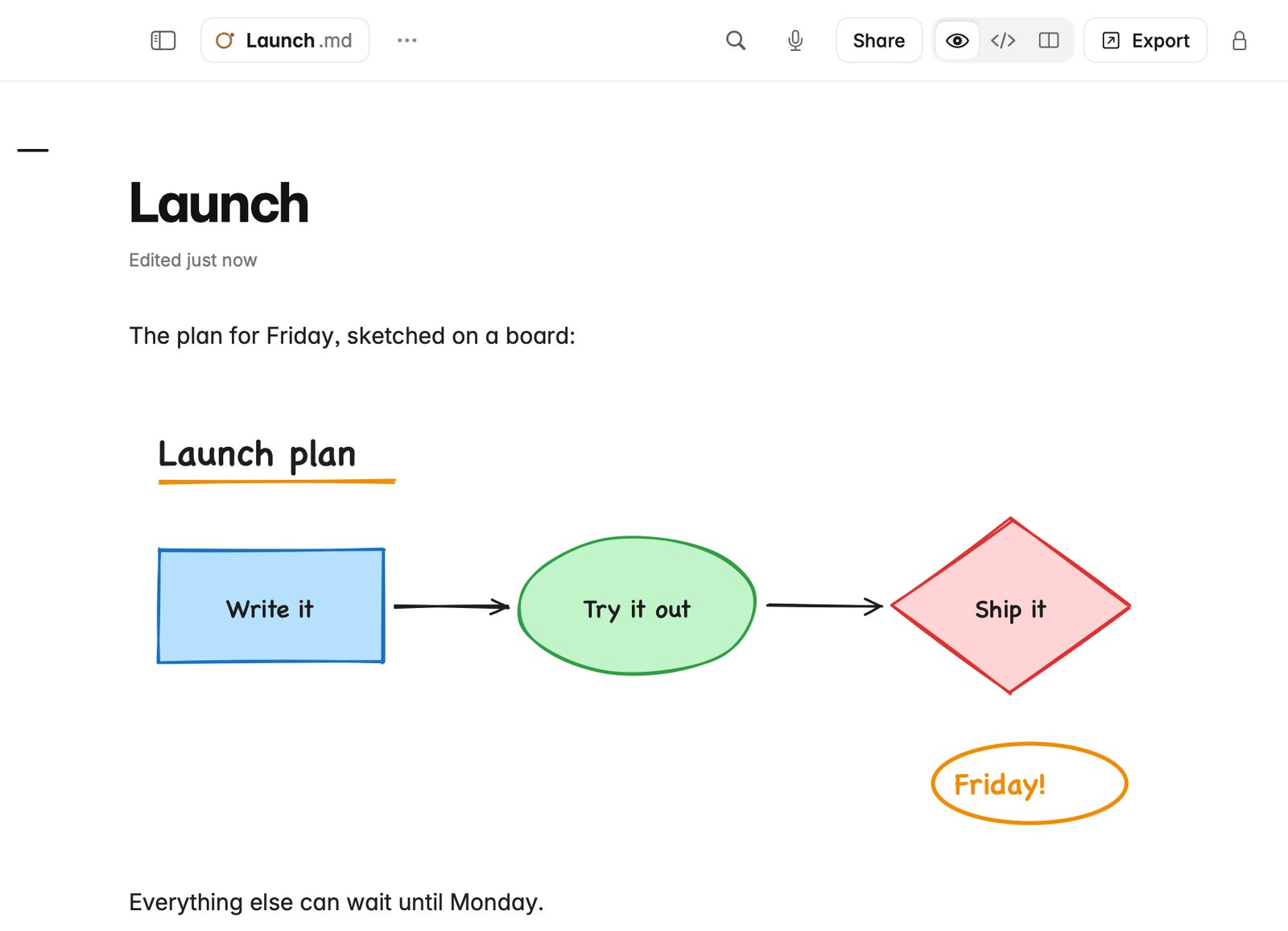
A whiteboard is a sketch with a hand-drawn look: boxes, circles, diamonds, arrows, lines, a pen and text. It opens in its own window and shows as a drawing inside your note.
How to make a whiteboard
- Choose File › New Whiteboard…, or type / and choose Whiteboard.
- Give it a name. Coffee saves it as an .excalidraw file beside your note and puts the drawing where the caret was.
- In the window, pick a tool and drag to draw. Double-click a shape, or anywhere on the board, to write.
- Use Select to move or resize what you drew. ⌘Z undoes.
The board saves as you go, and the drawing in your note changes with it. Click the drawing to open the board again.
Example
In a note, this line shows the board called Trip plan:
In Markdown
![[Trip plan.excalidraw]]In Coffee Preview
Good to know
- Keys pick the tools: V select, R rectangle, O ellipse, D diamond, A arrow, L line, P pen, T text, E eraser.
- Shift keeps squares, circles and straight angles.
- Scroll to move around, pinch or ⌘-scroll to zoom, and Fit shows the whole board.
- Boards are ordinary Excalidraw files, so they open in excalidraw.com and in Obsidian's Excalidraw plugin as they are.